
nomadoor/flux-2-klein-4B-360-erp-outpaint-lora
<video controls src="https://i.gyazo.com/748e50cd59976f45acabd7cf39d45bc6.mp4" title="Demo video"></video>
FLUX.2 Klein 4B 360 ERP Outpaint LoRA
  
This is a LoRA for FLUX.2 Klein 4B for 360-degree panorama outpainting.
It uses an ERP (2:1) control image with green empty regions as input, and is designed to fill the surrounding area while preserving the visible reference regions. It is trained to favor horizon continuity and reduce left-right seam breakage.
Examples
Example 1
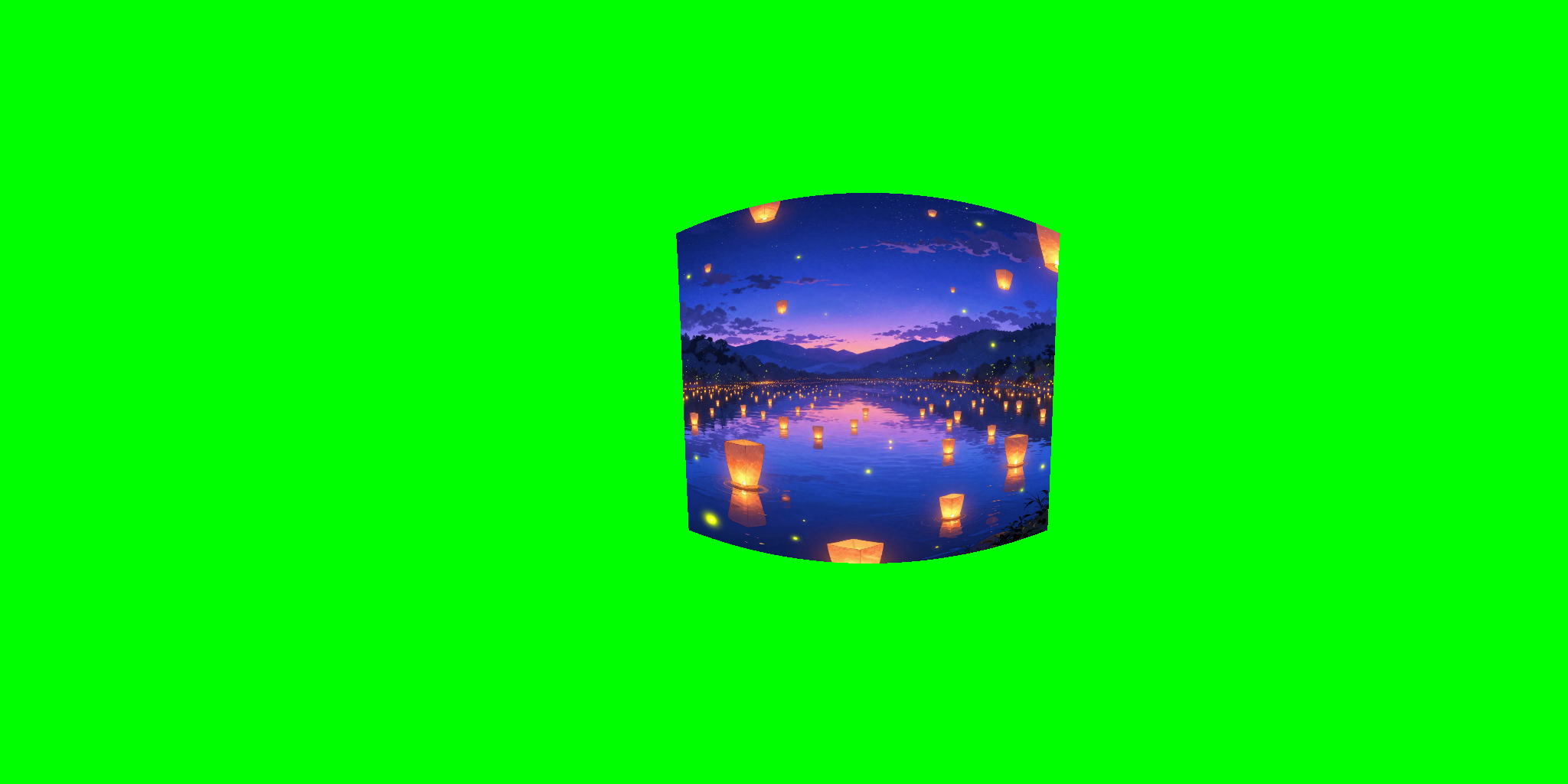 | 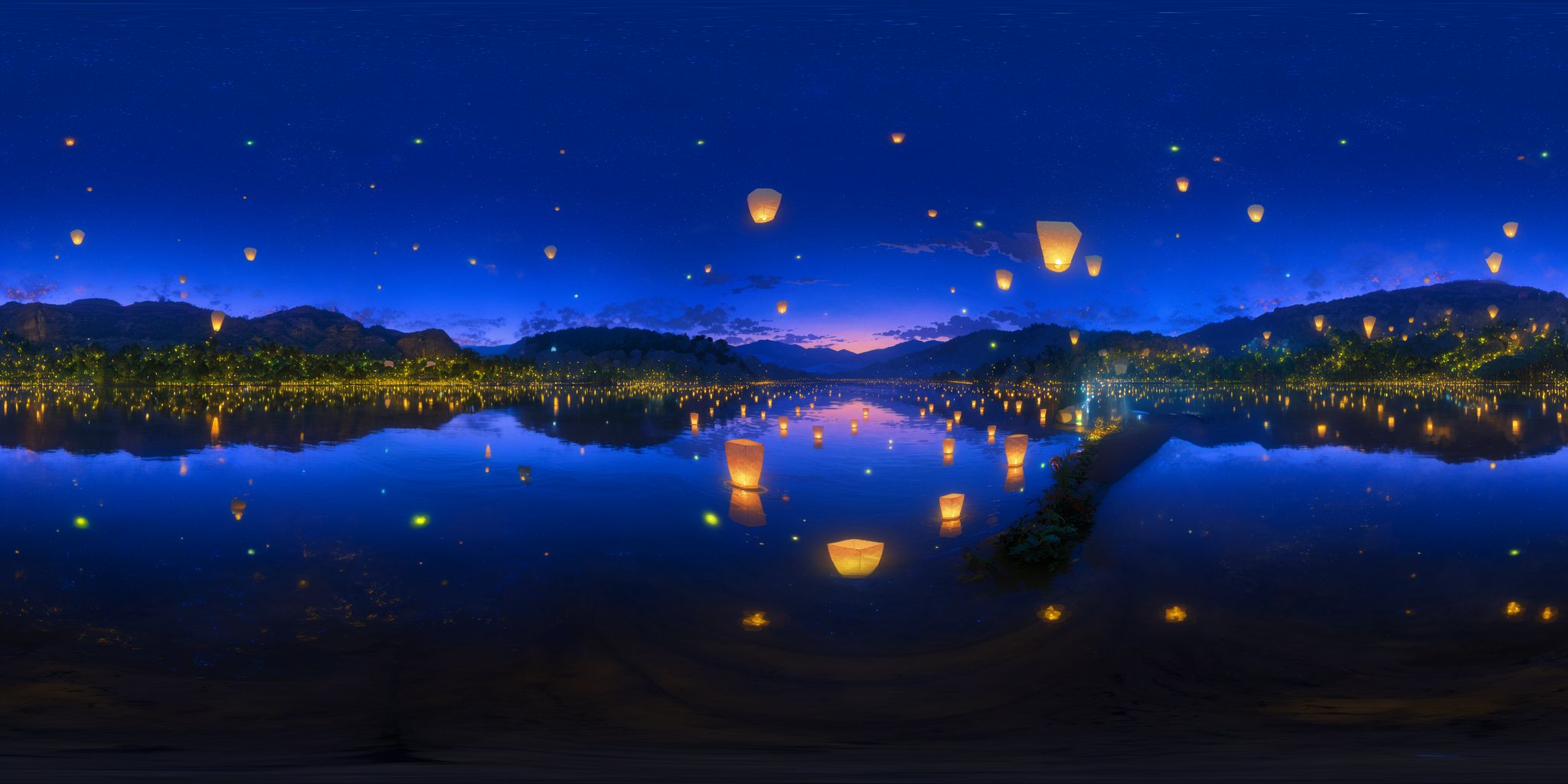 |
Example 2
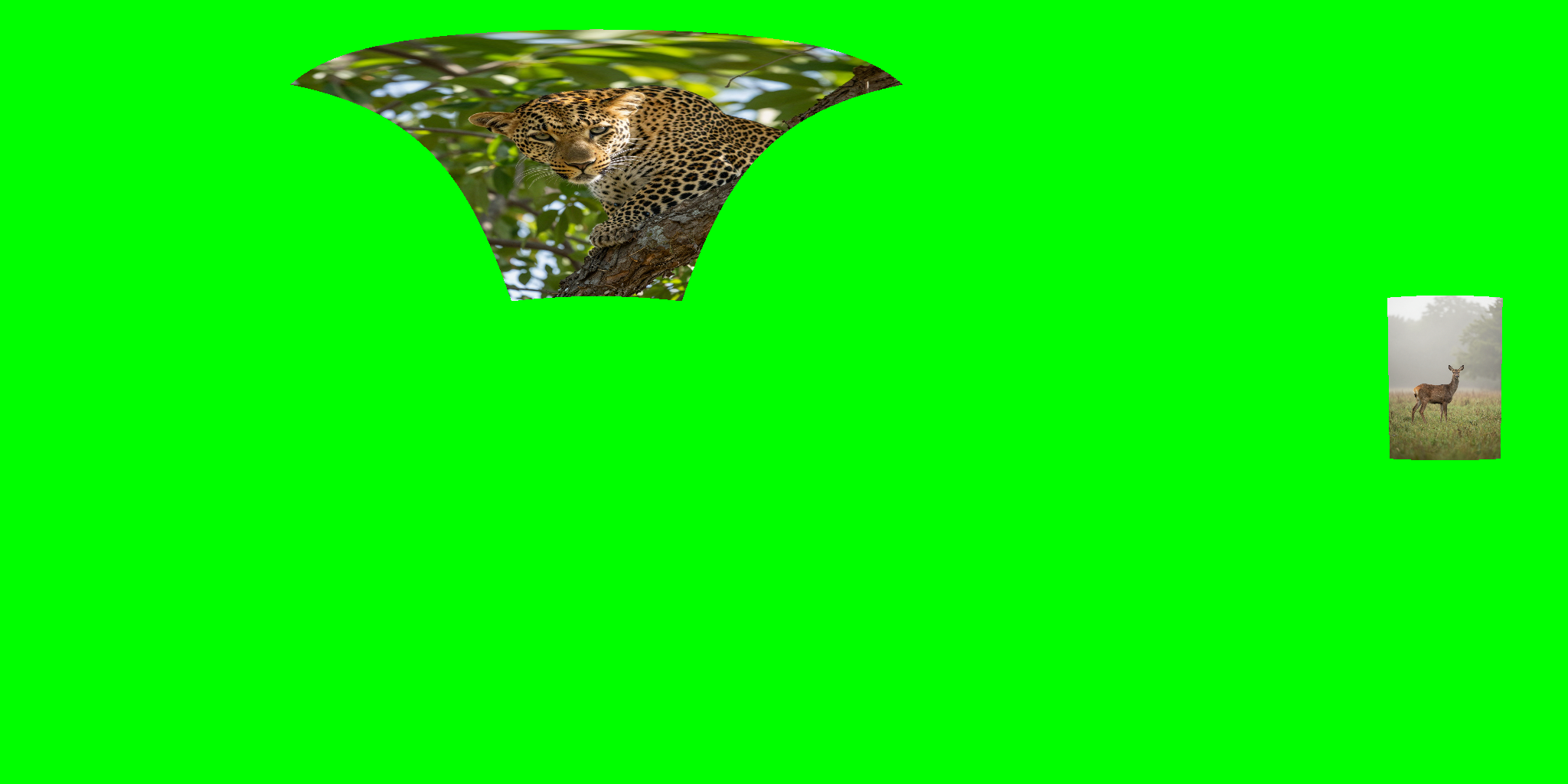 | 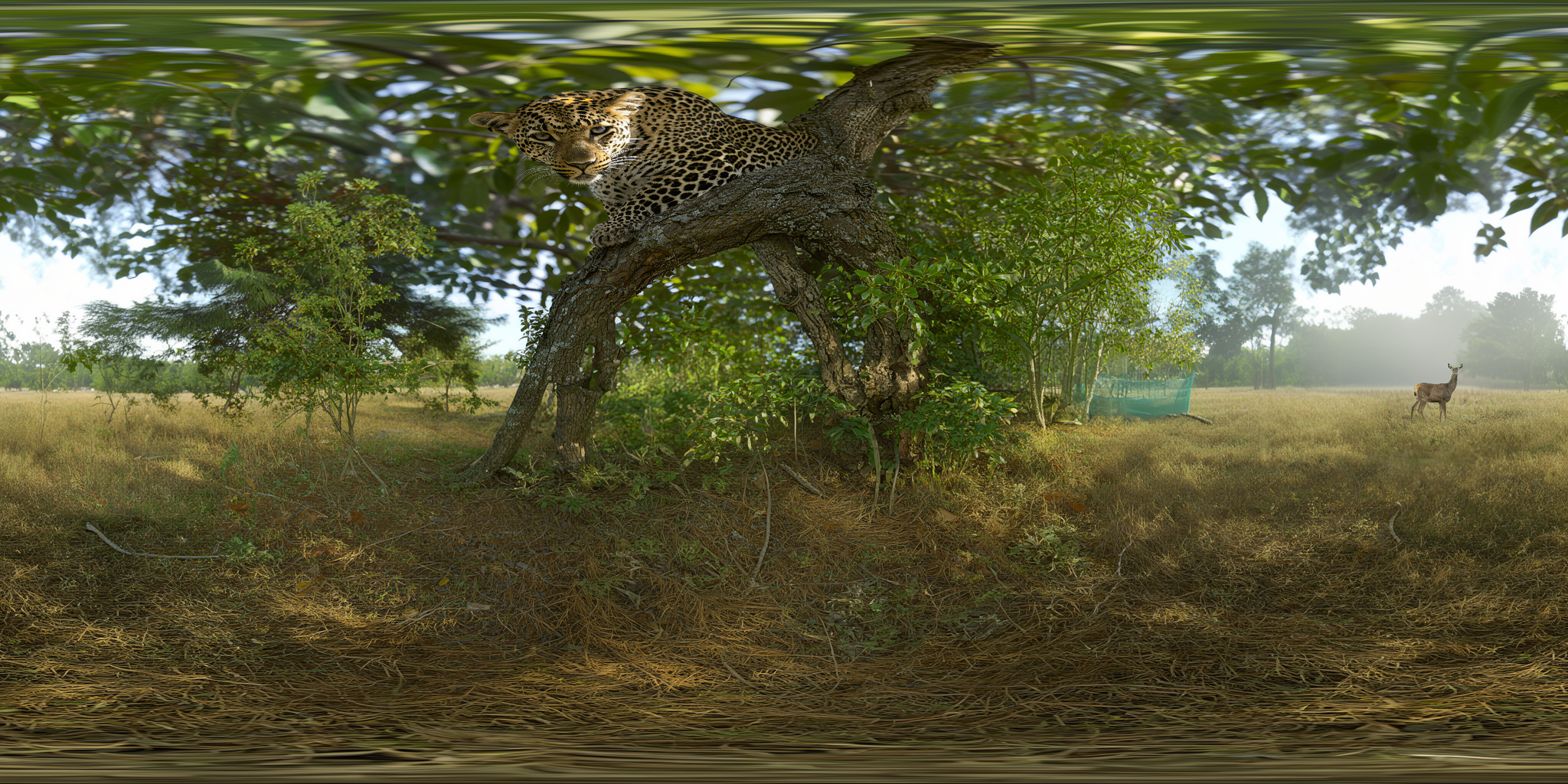 |
Usage
- Prepare a
2:1ERP control image with projected reference images placed on a green canvas. - Put the trigger words below at the beginning of your prompt.
- Add any extra prompt text you want after the trigger words.
Notes:
- The reference image is expected to be projected into ERP from a pinhole view based on its intended panorama placement.
- A UI for this workflow is available as a Gradio app / ComfyUI custom node, so please make use of it.
- nomadoor/ComfyUI-Panorama-Stickers
Trigger Words
Fill the green spaces according to the image. Outpaint as a seamless 360 equirectangular panorama (2:1). Keep the horizon level. Match left and right edges.Recommended Resolution
- Generation:
2048x1024(2K ERP) - For panorama use, 2K may still look coarse in some cases, so use upscaling if needed
Notes
- 🚨Distilled models do not produce good results in most cases. I am still looking for a solution, but for now you should use it with the base model.
- Most of the training data is realistic scenery, so non-photoreal domains may be less stable.
- Perfect seam matching is still difficult, and some outputs may benefit from post-processing such as inpainting.
Training Setup
- TRAINING_NOTES.md
Workflow
- flux-2-klein-4B-360-erp-outpaint.json
Upsace_Seam-inpainting (WIP)
License
Please follow the license and usage terms of the base model `black-forest-labs/FLUX.2-klein-base-4B`. See LICENSE included in this folder for additional notes.
Support
I ended up spending a bit too much on GPU rentals 🫠 If you would like to support the project, I would really, really appreciate it if you use ☕Ko-fi or ❤GitHub Sponsors.