
gguf-org/fastvlm-gguf
122.6k
fastvlm-gguf
- run it with
gguf-connector; simply execute the command below in console/terminal
ggc f6GGUF file(s) available. Select which one to use: 1. fastvlm-0.5b-iq4nl.gguf 3. fastvlm-0.5b-q40.gguf 4. fastvlm-0.5b-q80.gguf Enter your choice (1 to 3):
- opt a
gguffile in your current directory to interact with; nothing else
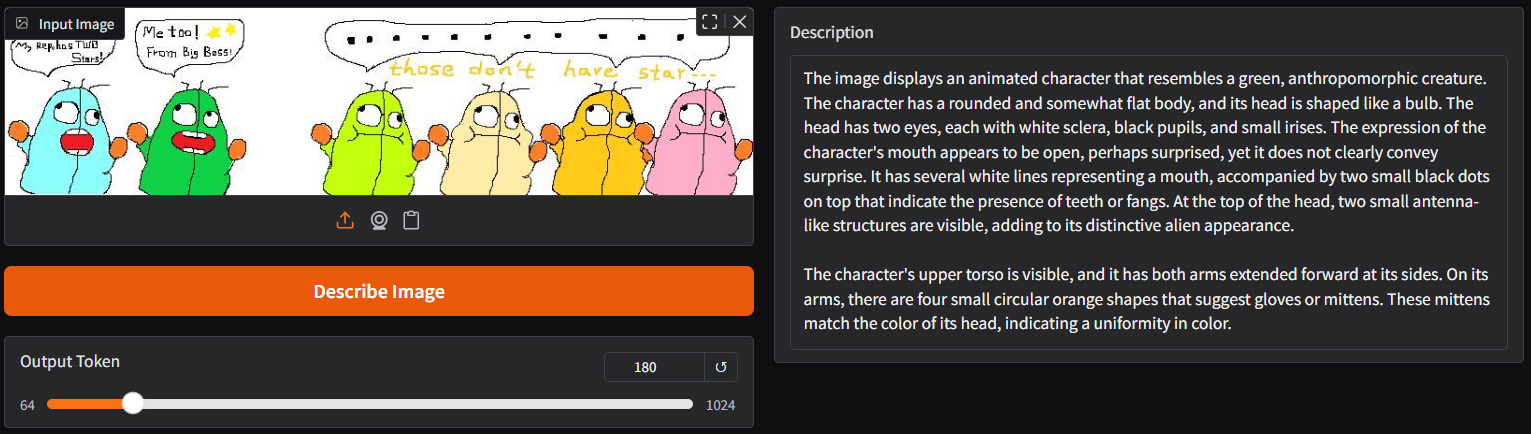 for the latest update, you should be able to customize how many tokens for output (see picture)
connector f5 (alternative 1)
ggc f5- note:
f5is different fromf6(above) andf9(below); you don't need gguf files withf5
connector f7 (alternative 2)*
ggc f7*real time screen describer; live captioning
connector f9 - advanced mode (alternative 3)**
ggc f9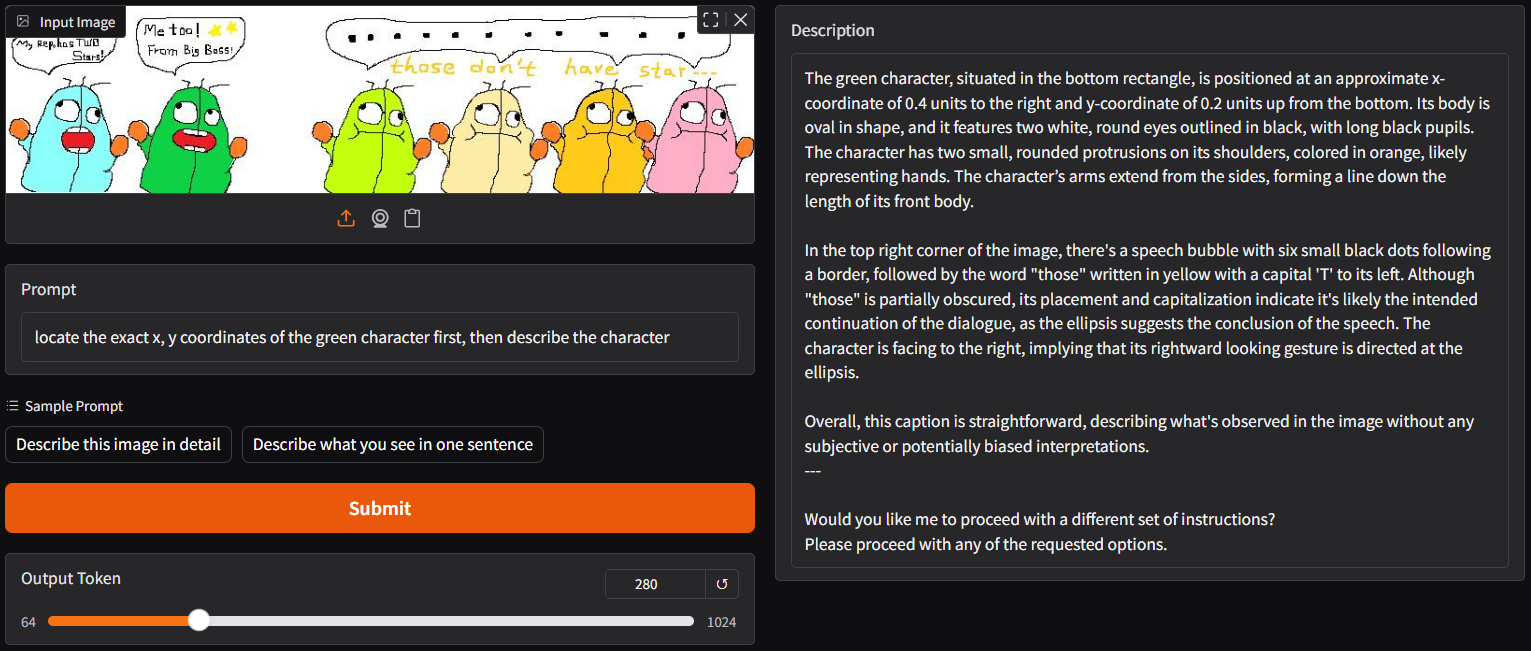 **for advanced mode, it's available to specify your text prompt with picture input (see above)