
karths/binary_classification_train_process
015
1Unnamed: 0,id,type,created_at,repo,repo_url,action,title,labels,body,index,text_combine,label,text,binary_label218660,24581464637.0,IssuesEvent,2022-10-13 15:55:36,GoogleCloudPlatform/fda-mystudies,https://api.github.com/repos/GoogleCloudPlatform/fda-mystudies,closed,[FHIR] Questionnaires resources > JSON > 'Title' key is not getting displayed in the JSON file,Bug P0 Response datastore Process: Fixed Process: Tested dev,"AR: Questionnaires resources > JSON > 'Title' key is not getting displayed in the JSON file3ER: Questionnaires resources > JSON > 'Title' key should get displayed in the JSON file4 5 6 7 8 9",2.0,"[FHIR] Questionnaires resources > JSON > 'Title' key is not getting displayed in the JSON file - AR: Questionnaires resources > JSON > 'Title' key is not getting displayed in the JSON file10ER: Questionnaires resources > JSON > 'Title' key should get displayed in the JSON file11 12 13 14 15 16",1, questionnaires resources json title key is not getting displayed in the json file ar questionnaires resources json title key is not getting displayed in the json file er questionnaires resources json title key should get displayed in the json file ,11719300,25466482337.0,IssuesEvent,2022-11-25 05:16:26,GoogleCloudPlatform/fda-mystudies,https://api.github.com/repos/GoogleCloudPlatform/fda-mystudies,closed,[IDP] [PM] Able to create new admin account in the following scenario,Bug Blocker P0 Participant manager Process: Fixed Process: Tested QA Process: Tested dev,"**Pre-condition:** mfa should be enabled for the PM18 19**Steps:**201. Login to PM212. Click on 'Admins' tab223. Click on 'Add new admin' button234. Try to add admin without entering phone number field and Verify24 25**AR:** Able to create new admin account in the PM26**ER:** New admin should not created in the PM, without completing the phone number field27 28**Note:** Phone number field should be a mandatory field in the application, if mfa is enabled for the PM",3.0,"[IDP] [PM] Able to create new admin account in the following scenario - **Pre-condition:** mfa should be enabled for the PM29 30**Steps:**311. Login to PM322. Click on 'Admins' tab333. Click on 'Add new admin' button344. Try to add admin without entering phone number field and Verify35 36**AR:** Able to create new admin account in the PM37**ER:** New admin should not created in the PM, without completing the phone number field38 39**Note:** Phone number field should be a mandatory field in the application, if mfa is enabled for the PM",1, able to create new admin account in the following scenario pre condition mfa should be enabled for the pm steps login to pm click on admins tab click on add new admin button try to add admin without entering phone number field and verify ar able to create new admin account in the pm er new admin should not created in the pm without completing the phone number field note phone number field should be a mandatory field in the application if mfa is enabled for the pm,14014018,16816924519.0,IssuesEvent,2021-06-17 08:29:59,GoogleCloudPlatform/fda-mystudies,https://api.github.com/repos/GoogleCloudPlatform/fda-mystudies,closed,[PM] Participant details page > Table columns alignment issue,Bug P2 Participant manager Process: Fixed Process: Tested QA Process: Tested dev,"Participant details page > Enrollment history and consent history table columns should be aligned properly (As per invision screen)41 42 43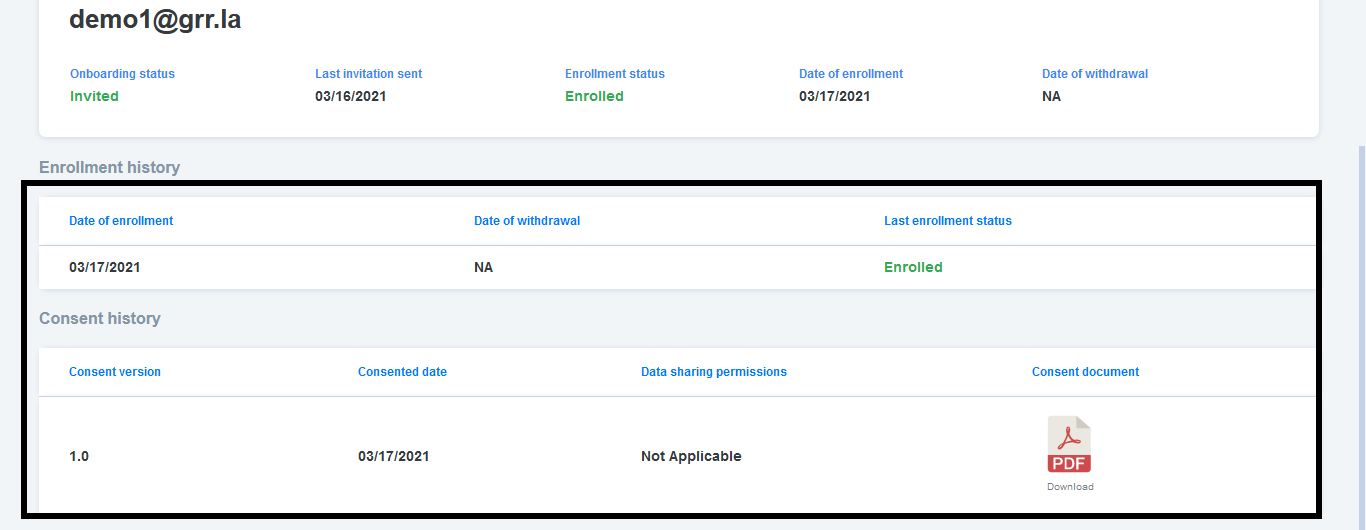44 ",3.0,"[PM] Participant details page > Table columns alignment issue - Participant details page > Enrollment history and consent history table columns should be aligned properly (As per invision screen)45 46 4748 ",1, participant details page table columns alignment issue participant details page enrollment history and consent history table columns should be aligned properly as per invision screen ,14918587,24567937441.0,IssuesEvent,2022-10-13 05:58:32,GoogleCloudPlatform/fda-mystudies,https://api.github.com/repos/GoogleCloudPlatform/fda-mystudies,closed,[Android] Comprehension test is not getting failed in the updated consent flow,Bug P0 Android Process: Fixed Process: Tested QA Process: Tested dev,"**Steps:**501. Sign in and enroll to the study512. Now, Go to SB and update the consent for enrolled participants523. Open the mobile app and complete the eligibility section534. Navigate to comprehension section545. Fail the comprehension section and Observe55 56**AR:** Comprehension test is not getting failed in the updated consent flow57**ER:** Comprehension test should be failed in the updated consent flow58 59https://user-images.githubusercontent.com/86007179/188439152-cb26d4dd-671f-40c5-9895-50dbd016ac70.mp460 61 62",3.0,"[Android] Comprehension test is not getting failed in the updated consent flow - **Steps:**631. Sign in and enroll to the study642. Now, Go to SB and update the consent for enrolled participants653. Open the mobile app and complete the eligibility section664. Navigate to comprehension section675. Fail the comprehension section and Observe68 69**AR:** Comprehension test is not getting failed in the updated consent flow70**ER:** Comprehension test should be failed in the updated consent flow71 72https://user-images.githubusercontent.com/86007179/188439152-cb26d4dd-671f-40c5-9895-50dbd016ac70.mp473 74 75",1, comprehension test is not getting failed in the updated consent flow steps sign in and enroll to the study now go to sb and update the consent for enrolled participants open the mobile app and complete the eligibility section navigate to comprehension section fail the comprehension section and observe ar comprehension test is not getting failed in the updated consent flow er comprehension test should be failed in the updated consent flow ,17614900,18291580324.0,IssuesEvent,2021-10-05 15:46:51,GoogleCloudPlatform/fda-mystudies,https://api.github.com/repos/GoogleCloudPlatform/fda-mystudies,closed,[Android][manage apps] Need to update the text in the pop-up for the app upgrade screens,Bug P2 Android Process: Fixed Process: Tested QA Process: Tested dev,"Current it is displaying same text for both scenarios.77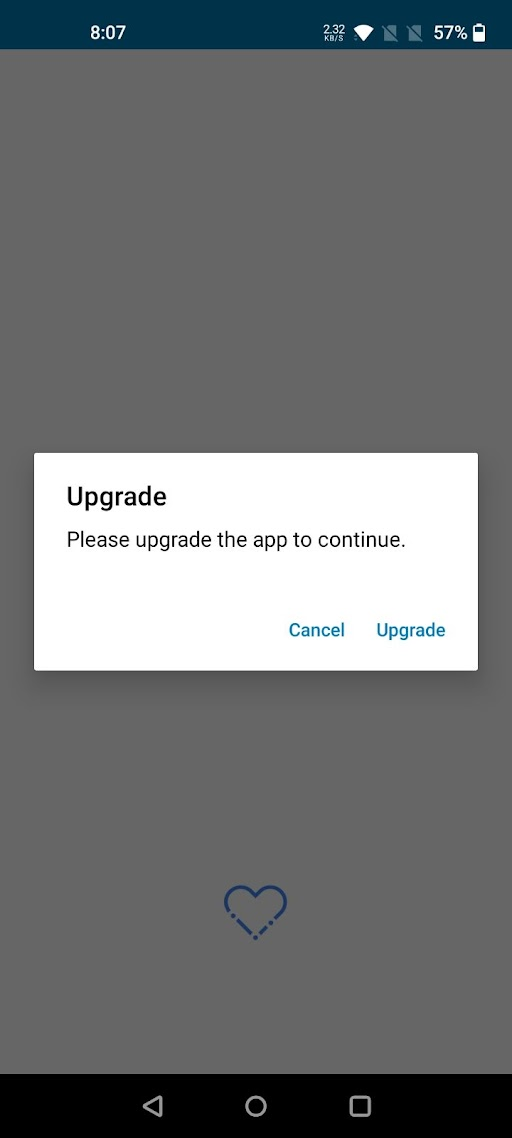78 79 80**Force upgrade screen**81 82Pop-up text :- 83""Please upgrade the app to continue.""84 85Buttons:-861) Ok872) Cancel88 89**Optional upgrade screen**90 91Pop-up text :- 92""A new version of this app is available. Do you want to update it now?""93 94Buttons:-951) Yes962) Skip97 98",3.0,"[Android][manage apps] Need to update the text in the pop-up for the app upgrade screens - Current it is displaying same text for both scenarios.99100 101 102**Force upgrade screen**103 104Pop-up text :- 105""Please upgrade the app to continue.""106 107Buttons:-1081) Ok1092) Cancel110 111**Optional upgrade screen**112 113Pop-up text :- 114""A new version of this app is available. Do you want to update it now?""115 116Buttons:-1171) Yes1182) Skip119 120",1, need to update the text in the pop up for the app upgrade screens current it is displaying same text for both scenarios force upgrade screen pop up text please upgrade the app to continue buttons ok cancel optional upgrade screen pop up text a new version of this app is available do you want to update it now buttons yes skip ,112112399,14911187054.0,IssuesEvent,2021-01-22 10:40:34,GoogleCloudPlatform/fda-mystudies,https://api.github.com/repos/GoogleCloudPlatform/fda-mystudies,closed,Response Datastore- Change the default log level to WARN,Bug Process: Fixed,"Log level changed to DEBUG in PR #2833, please revert to WARN after analyzing the issue ",1.0,"Response Datastore- Change the default log level to WARN - Log level changed to DEBUG in PR #2833, please revert to WARN after analyzing the issue ",1,response datastore change the default log level to warn log level changed to debug in pr please revert to warn after analyzing the issue ,112218694,24595351149.0,IssuesEvent,2022-10-14 07:50:48,GoogleCloudPlatform/fda-mystudies,https://api.github.com/repos/GoogleCloudPlatform/fda-mystudies,closed,[PM] [VAPT] Sign in Screen > UI issue,Bug P1 Process: Fixed Process: Tested dev Auth server,"Sign in Screen > UI issue > 'Sign in' text is splitted into 2 lines123 124125 126 127",2.0,"[PM] [VAPT] Sign in Screen > UI issue - Sign in Screen > UI issue > 'Sign in' text is splitted into 2 lines128 129130 131 132",1, sign in screen ui issue sign in screen ui issue sign in text is splitted into lines ,113319302,25466614928.0,IssuesEvent,2022-11-25 05:29:40,GoogleCloudPlatform/fda-mystudies,https://api.github.com/repos/GoogleCloudPlatform/fda-mystudies,closed,[IDP] [PM] Getting 'An internal error has occurred' message in participant manager when tried to sign in,Bug Blocker P0 Participant manager Process: Fixed Process: Tested QA Process: Tested dev,"**Pre-condition:** idp and mfa should be enabled in the PM134 135**Steps:**1361. Add organizational user in the participant manager1372. Complete set up your account process1383. Sign in with registered credentials and Verify139 140**AR:** Getting an internal error has occurred message when tried to sign in141**ER:** Admin's should be able to sign without any error's142 143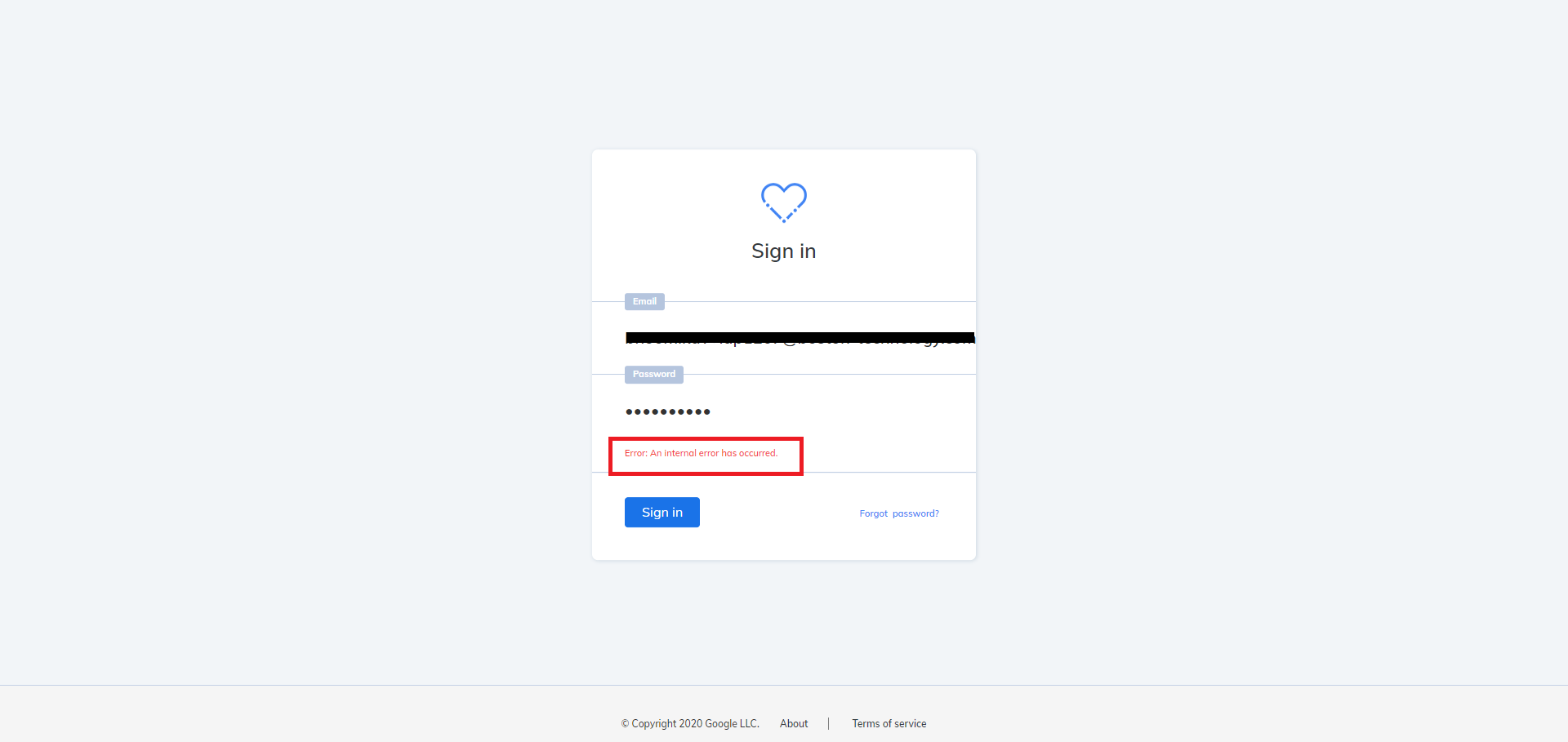144",3.0,"[IDP] [PM] Getting 'An internal error has occurred' message in participant manager when tried to sign in - **Pre-condition:** idp and mfa should be enabled in the PM145 146**Steps:**1471. Add organizational user in the participant manager1482. Complete set up your account process1493. Sign in with registered credentials and Verify150 151**AR:** Getting an internal error has occurred message when tried to sign in152**ER:** Admin's should be able to sign without any error's153 154155",1, getting an internal error has occurred message in participant manager when tried to sign in pre condition idp and mfa should be enabled in the pm steps add organizational user in the participant manager complete set up your account process sign in with registered credentials and verify ar getting an internal error has occurred message when tried to sign in er admin s should be able to sign without any error s ,115613405,15878143743.0,IssuesEvent,2021-04-09 10:35:15,GoogleCloudPlatform/fda-mystudies,https://api.github.com/repos/GoogleCloudPlatform/fda-mystudies,closed,[PM] App participant registry > Text change,Bug P2 Participant manager Process: Fixed Process: Tested QA Process: Tested dev," App participant registry > Text change > Status 'Pending Activation' should be 'Pending activation'157 158 159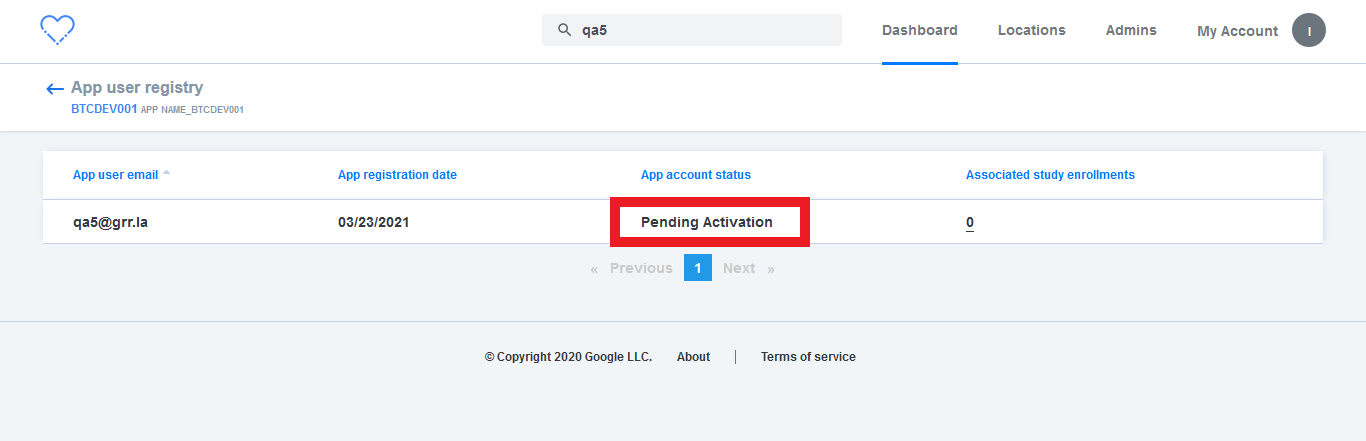160 161",3.0,"[PM] App participant registry > Text change - App participant registry > Text change > Status 'Pending Activation' should be 'Pending activation'162 163 164165 166",1, app participant registry text change app participant registry text change status pending activation should be pending activation ,116718575,24556403242.0,IssuesEvent,2022-10-12 16:12:34,GoogleCloudPlatform/fda-mystudies,https://api.github.com/repos/GoogleCloudPlatform/fda-mystudies,closed,[Android] Eligibilty screens are getting displayed in the mobile app in the following scenario,Bug P0 Android Process: Fixed Process: Tested QA Process: Tested dev,"**Steps:**1681. In SB, Edit the study which was enrolled by the participant in the mobile app1692. Update 'Enforce e-consent flow' again for enrolled participants and Publish the study1703. Now go back to mobile app1714. Click on 'Get started' button in the mobile app1725. Click on the study which was already enrolled and made changes from the SB1735. Click on 'Participate' button and Sign in to the app1746. Click on 'Exit' button in the consent flow and Verify175 176**AR:** Eligibilty screens are getting displayed in the mobile app in the following scenario177**ER:** Eligibilty screen should not get displayed in the mobile app in the following scenario, only updated consent flow should get displayed178 179 180 181 182 183 184 185 186",3.0,"[Android] Eligibilty screens are getting displayed in the mobile app in the following scenario - **Steps:**1871. In SB, Edit the study which was enrolled by the participant in the mobile app1882. Update 'Enforce e-consent flow' again for enrolled participants and Publish the study1893. Now go back to mobile app1904. Click on 'Get started' button in the mobile app1915. Click on the study which was already enrolled and made changes from the SB1925. Click on 'Participate' button and Sign in to the app1936. Click on 'Exit' button in the consent flow and Verify194 195**AR:** Eligibilty screens are getting displayed in the mobile app in the following scenario196**ER:** Eligibilty screen should not get displayed in the mobile app in the following scenario, only updated consent flow should get displayed197 198 199 200 201 202 203 204 205",1, eligibilty screens are getting displayed in the mobile app in the following scenario steps in sb edit the study which was enrolled by the participant in the mobile app update enforce e consent flow again for enrolled participants and publish the study now go back to mobile app click on get started button in the mobile app click on the study which was already enrolled and made changes from the sb click on participate button and sign in to the app click on exit button in the consent flow and verify ar eligibilty screens are getting displayed in the mobile app in the following scenario er eligibilty screen should not get displayed in the mobile app in the following scenario only updated consent flow should get displayed ,120618707,24600155710.0,IssuesEvent,2022-10-14 11:48:03,GoogleCloudPlatform/fda-mystudies,https://api.github.com/repos/GoogleCloudPlatform/fda-mystudies,closed,[Consent API] Consent API Disable > Cloud Storage > Data sharing image is not getting displayed in the cloud storage in the following scenario,Bug P0 Process: Fixed Process: Tested QA Process: Tested dev,"**Pre-Condition:** Study should be created with the data sharing permission207 208**Steps:**2091. Install the mobile app2102. Sign in / Sign up2113. Enroll to the study by providing data sharing permission2124. Withdraw from that study 2135. Again enroll to the same study without providing data sharing permission2146. Now, Go to Cloud storage 2157. Search the studyID in the consent bucket2168. Click on the participant record and Verify217 218**AR:** Data sharing image is not getting displayed in the cloud storage in the following scenario219**ER:** Data sharing image should get displayed in the cloud storage in the following scenario220 221**Note:** Issue needs to be fixed even when without providing data sharing permission in step 3 and by providing data sharing permission in step 5 scenario222 223 224 225",3.0,"[Consent API] Consent API Disable > Cloud Storage > Data sharing image is not getting displayed in the cloud storage in the following scenario - **Pre-Condition:** Study should be created with the data sharing permission226 227**Steps:**2281. Install the mobile app2292. Sign in / Sign up2303. Enroll to the study by providing data sharing permission2314. Withdraw from that study 2325. Again enroll to the same study without providing data sharing permission2336. Now, Go to Cloud storage 2347. Search the studyID in the consent bucket2358. Click on the participant record and Verify236 237**AR:** Data sharing image is not getting displayed in the cloud storage in the following scenario238**ER:** Data sharing image should get displayed in the cloud storage in the following scenario239 240**Note:** Issue needs to be fixed even when without providing data sharing permission in step 3 and by providing data sharing permission in step 5 scenario241 242 243 244",1, consent api disable cloud storage data sharing image is not getting displayed in the cloud storage in the following scenario pre condition study should be created with the data sharing permission steps install the mobile app sign in sign up enroll to the study by providing data sharing permission withdraw from that study again enroll to the same study without providing data sharing permission now go to cloud storage search the studyid in the consent bucket click on the participant record and verify ar data sharing image is not getting displayed in the cloud storage in the following scenario er data sharing image should get displayed in the cloud storage in the following scenario note issue needs to be fixed even when without providing data sharing permission in step and by providing data sharing permission in step scenario ,124512697,15077358325.0,IssuesEvent,2021-02-05 06:49:25,GoogleCloudPlatform/fda-mystudies,https://api.github.com/repos/GoogleCloudPlatform/fda-mystudies,closed,[PM] Unable to download email template,Bug P0 Participant manager Process: Fixed Process: Tested QA Process: Tested dev,"Steps2461. Sites tab > Click on any one of the closed study2472. Navigate to site participant registry2483. Click on Add participant 2494. Click on 'Download template' 250 251AR : User is unable to download the template252ER : User should be able to download the email template 253 254 255[Note : Issue observed only in automated deployment branch]256 257 258 259 ",3.0,"[PM] Unable to download email template - Steps2601. Sites tab > Click on any one of the closed study2612. Navigate to site participant registry2623. Click on Add participant 2634. Click on 'Download template' 264 265AR : User is unable to download the template266ER : User should be able to download the email template 267 268 269[Note : Issue observed only in automated deployment branch]270 271 272 273 ",1, unable to download email template steps sites tab click on any one of the closed study navigate to site participant registry click on add participant click on download template ar user is unable to download the template er user should be able to download the email template ,127419264,25455863274.0,IssuesEvent,2022-11-24 14:08:44,GoogleCloudPlatform/fda-mystudies,https://api.github.com/repos/GoogleCloudPlatform/fda-mystudies,closed,"[IDP] [PM] Admin is able to sign in , even when same user is disabled in the organizational directory ",Bug P0 Participant manager Process: Fixed Process: Tested QA Process: Tested dev,"**Steps:**2751. Login to PM 2762. Click on 'Admins' tab2773. Click on 'Add admin' button2784. Add organizational user in the email dropdown2795. After receiving the link to set up your participant manager account 2806. Deactivate the same user in identity platform2817. Now, Click on the link to set up your participant manager account2828. Complete the account creation process and Sign in283 284**AR:** Admin is able to sign in to participant manager in above scenario and also admin account can be deactivated from the application level285**ER:** Admin should not be able to sign in to participant manager in above scenario . Admin should not be able to deactivate organizational admin from the application level and also error message should get displayed when try to deactivate the account",3.0,"[IDP] [PM] Admin is able to sign in , even when same user is disabled in the organizational directory - **Steps:**2861. Login to PM 2872. Click on 'Admins' tab2883. Click on 'Add admin' button2894. Add organizational user in the email dropdown2905. After receiving the link to set up your participant manager account 2916. Deactivate the same user in identity platform2927. Now, Click on the link to set up your participant manager account2938. Complete the account creation process and Sign in294 295**AR:** Admin is able to sign in to participant manager in above scenario and also admin account can be deactivated from the application level296**ER:** Admin should not be able to sign in to participant manager in above scenario . Admin should not be able to deactivate organizational admin from the application level and also error message should get displayed when try to deactivate the account",1, admin is able to sign in even when same user is disabled in the organizational directory steps login to pm click on admins tab click on add admin button add organizational user in the email dropdown after receiving the link to set up your participant manager account deactivate the same user in identity platform now click on the link to set up your participant manager account complete the account creation process and sign in ar admin is able to sign in to participant manager in above scenario and also admin account can be deactivated from the application level er admin should not be able to sign in to participant manager in above scenario admin should not be able to deactivate organizational admin from the application level and also error message should get displayed when try to deactivate the account,129719377,25506686496.0,IssuesEvent,2022-11-28 09:59:17,GoogleCloudPlatform/fda-mystudies,https://api.github.com/repos/GoogleCloudPlatform/fda-mystudies,closed,[iOS] Enrollment flow/updated consent flow > Review consent screen > Study name is not getting displayed for the Custom consent,Bug P1 Process: Fixed Process: Tested dev,"1)Study name is not getting displayed for the Custom consent2982)Pdf is generated without study name ",2.0,"[iOS] Enrollment flow/updated consent flow > Review consent screen > Study name is not getting displayed for the Custom consent - 1)Study name is not getting displayed for the Custom consent2992)Pdf is generated without study name ",1, enrollment flow updated consent flow review consent screen study name is not getting displayed for the custom consent study name is not getting displayed for the custom consent pdf is generated without study name ,130014081,16961466952.0,IssuesEvent,2021-06-29 04:55:18,GoogleCloudPlatform/fda-mystudies,https://api.github.com/repos/GoogleCloudPlatform/fda-mystudies,closed,Android Build failure,Bug Process: Fixed,"**Describe the bug**301The github repo that provides the `'com.uphyca:stetho_realm:2.3.0'` package, https://github.com/WickeDev/stetho-realm/raw/master/maven-repo, no longer exists. Therefore, the build is failing with this message:302```303""Install Android SDK Platform 29 (revision: 5)"" finished.304registerResGeneratingTask is deprecated, use registerGeneratedResFolders(FileCollection)305registerResGeneratingTask is deprecated, use registerGeneratedResFolders(FileCollection)306> Task :app:preBuild UP-TO-DATE307> Task :app:preFdaDebugBuild308> Task :app:preFdaDebugBuild FAILED309FAILURE: Build failed with an exception.310* What went wrong:311Execution failed for task ':app:preFdaDebugBuild'.312> Could not resolve all files for configuration ':app:fdaDebugCompileClasspath'.313 > Could not find com.uphyca:stetho_realm:2.3.0.314 Required by:315 project :app316```317Instead, replacing the github repo with https://github.com/uPhyca/stetho-realm and downgrading the version to 2.1.0 resulted in successful compilation318 319**To Reproduce**320Run `./gradlew test` for example321**Expected behavior**322Successful compilation and passing tests323 324**Desktop (please complete the following information):**325 - Docker image `thyrlian/android-sdk:4.0`326 - Codebase tag v2.0.3327 328**Labels**329Android330",1.0,"Android Build failure - **Describe the bug**331The github repo that provides the `'com.uphyca:stetho_realm:2.3.0'` package, https://github.com/WickeDev/stetho-realm/raw/master/maven-repo, no longer exists. Therefore, the build is failing with this message:332```333""Install Android SDK Platform 29 (revision: 5)"" finished.334registerResGeneratingTask is deprecated, use registerGeneratedResFolders(FileCollection)335registerResGeneratingTask is deprecated, use registerGeneratedResFolders(FileCollection)336> Task :app:preBuild UP-TO-DATE337> Task :app:preFdaDebugBuild338> Task :app:preFdaDebugBuild FAILED339FAILURE: Build failed with an exception.340* What went wrong:341Execution failed for task ':app:preFdaDebugBuild'.342> Could not resolve all files for configuration ':app:fdaDebugCompileClasspath'.343 > Could not find com.uphyca:stetho_realm:2.3.0.344 Required by:345 project :app346```347Instead, replacing the github repo with https://github.com/uPhyca/stetho-realm and downgrading the version to 2.1.0 resulted in successful compilation348 349**To Reproduce**350Run `./gradlew test` for example351**Expected behavior**352Successful compilation and passing tests353 354**Desktop (please complete the following information):**355 - Docker image `thyrlian/android-sdk:4.0`356 - Codebase tag v2.0.3357 358**Labels**359Android360",1,android build failure describe the bug the github repo that provides the com uphyca stetho realm package no longer exists therefore the build is failing with this message install android sdk platform revision finished registerresgeneratingtask is deprecated use registergeneratedresfolders filecollection registerresgeneratingtask is deprecated use registergeneratedresfolders filecollection task app prebuild up to date task app prefdadebugbuild task app prefdadebugbuild failed failure build failed with an exception what went wrong execution failed for task app prefdadebugbuild could not resolve all files for configuration app fdadebugcompileclasspath could not find com uphyca stetho realm required by project app instead replacing the github repo with and downgrading the version to resulted in successful compilation to reproduce run gradlew test for example expected behavior successful compilation and passing tests desktop please complete the following information docker image thyrlian android sdk codebase tag labels android ,136111848,14662501030.0,IssuesEvent,2020-12-29 07:22:46,GoogleCloudPlatform/fda-mystudies,https://api.github.com/repos/GoogleCloudPlatform/fda-mystudies,closed,Study with 'Token validation and Eligibility test' > Number of invited count is not reducing if user not eligible for the study ,Bug P1 Participant manager Process: Fixed Process: Tested QA,"Steps3621. Join a study with 'Token validation and Eligibility test' 3632. Withdrwan from the the study 3643. Enable invitation and Send invitation 3654. Fails the eligibility test and observe the number of invited count366 367AR : Count is not reducing368ER : Number of invited count should be reduced 369 370[Note : this should be handled in Sites (including Site participnt registry > All and Invited tabs) , Studies and Apps tabs ]371 372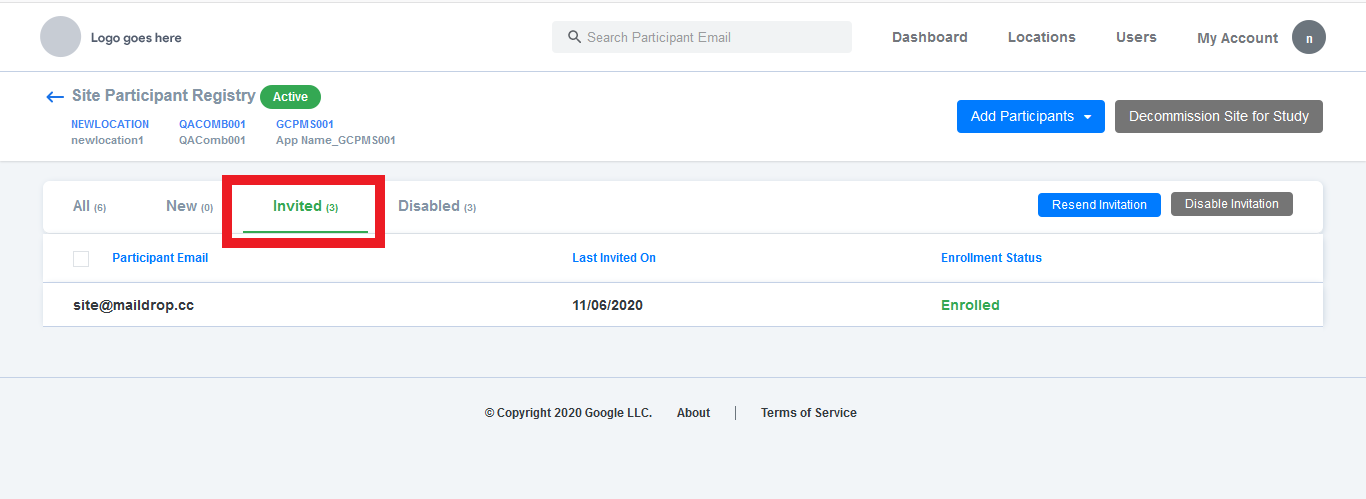373",2.0,"Study with 'Token validation and Eligibility test' > Number of invited count is not reducing if user not eligible for the study - Steps3741. Join a study with 'Token validation and Eligibility test' 3752. Withdrwan from the the study 3763. Enable invitation and Send invitation 3774. Fails the eligibility test and observe the number of invited count378 379AR : Count is not reducing380ER : Number of invited count should be reduced 381 382[Note : this should be handled in Sites (including Site participnt registry > All and Invited tabs) , Studies and Apps tabs ]383 384385",1,study with token validation and eligibility test number of invited count is not reducing if user not eligible for the study steps join a study with token validation and eligibility test withdrwan from the the study enable invitation and send invitation fails the eligibility test and observe the number of invited count ar count is not reducing er number of invited count should be reduced ,138618457,24549032728.0,IssuesEvent,2022-10-12 11:05:24,GoogleCloudPlatform/fda-mystudies,https://api.github.com/repos/GoogleCloudPlatform/fda-mystudies,closed,[PM] Admins are navigated to dashboard by using temporary password in the below scenario,Bug P0 Participant manager Process: Fixed Process: Tested dev,"**Steps:**3871. In Sign in screen, Click on forgot password link3882. Enter the registered admin's email and Click on Submit button3893. Now, sign in with Superadmin's account and navigate to Admins tab3904. Deactivate the admin account which was entered in forgot password in step 23915. Again reactivate the same account3926. And then Sign out as Superadmin3937. Again Sign in with admin account email which was entered in forgot password in step 2 and with temporary password and then Verify394 395**AR:** Admins are navigated to dashboard by using temporary password in the above scenario396**ER:** Admins should be navigated to set up password screen in the above scenario397",2.0,"[PM] Admins are navigated to dashboard by using temporary password in the below scenario - **Steps:**3981. In Sign in screen, Click on forgot password link3992. Enter the registered admin's email and Click on Submit button4003. Now, sign in with Superadmin's account and navigate to Admins tab4014. Deactivate the admin account which was entered in forgot password in step 24025. Again reactivate the same account4036. And then Sign out as Superadmin4047. Again Sign in with admin account email which was entered in forgot password in step 2 and with temporary password and then Verify405 406**AR:** Admins are navigated to dashboard by using temporary password in the above scenario407**ER:** Admins should be navigated to set up password screen in the above scenario408",1, admins are navigated to dashboard by using temporary password in the below scenario steps in sign in screen click on forgot password link enter the registered admin s email and click on submit button now sign in with superadmin s account and navigate to admins tab deactivate the admin account which was entered in forgot password in step again reactivate the same account and then sign out as superadmin again sign in with admin account email which was entered in forgot password in step and with temporary password and then verify ar admins are navigated to dashboard by using temporary password in the above scenario er admins should be navigated to set up password screen in the above scenario ,140919295,25466412800.0,IssuesEvent,2022-11-25 05:09:46,GoogleCloudPlatform/fda-mystudies,https://api.github.com/repos/GoogleCloudPlatform/fda-mystudies,closed,"[IDP] [PM] Getting an error message as ""Sign in is not available. Please try again later"" when tried to sign in with below mentioned admin credentials",Bug P1 Participant manager Process: Fixed Process: Tested QA Process: Tested dev,"For the below mentioned admin,410bhoomikav+idpt1@boston-technology.com411Getting an error message as ""Sign in is not available. Please try again later"" when tried to sign in 412 413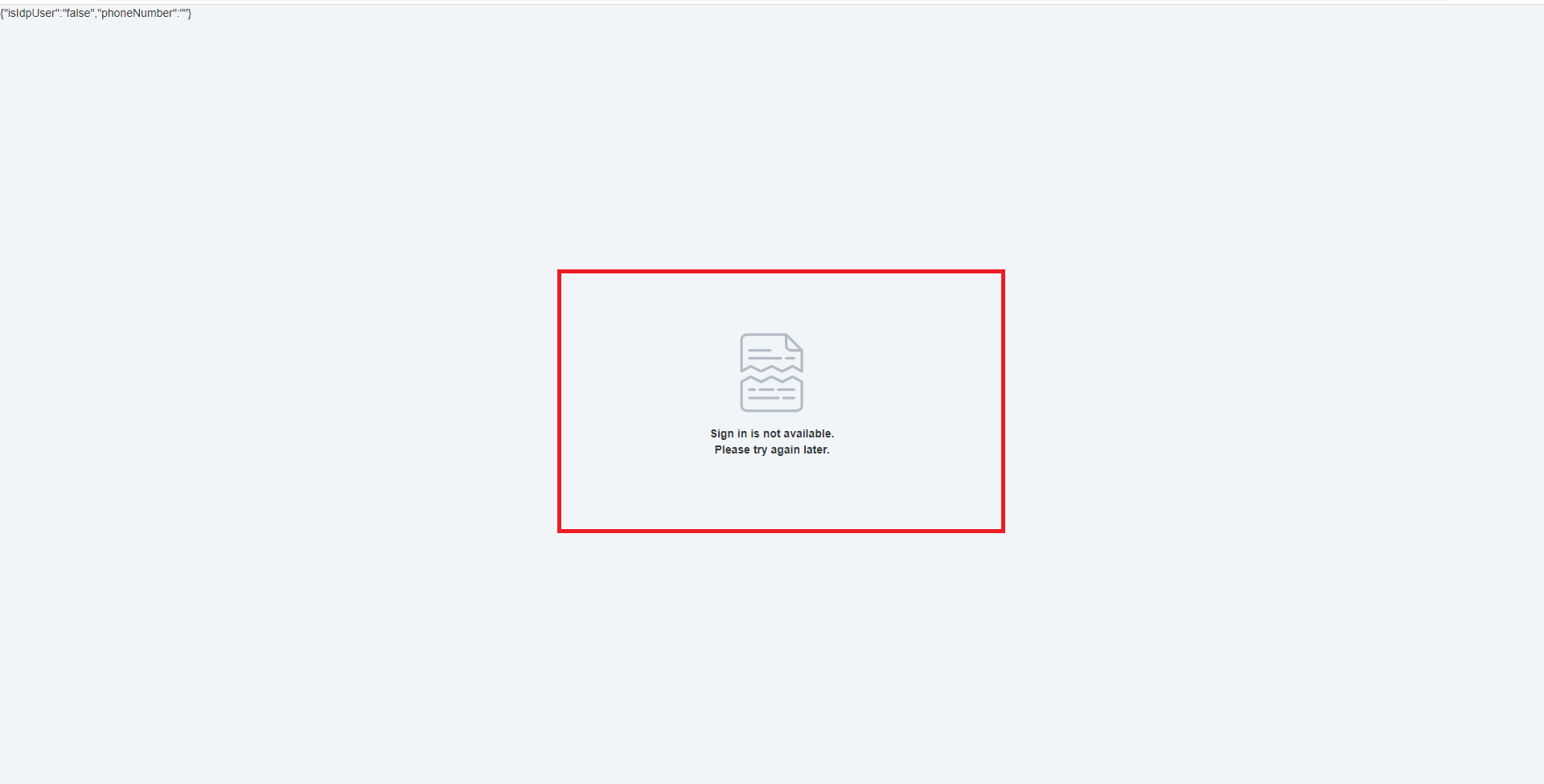414",3.0,"[IDP] [PM] Getting an error message as ""Sign in is not available. Please try again later"" when tried to sign in with below mentioned admin credentials - For the below mentioned admin,415bhoomikav+idpt1@boston-technology.com416Getting an error message as ""Sign in is not available. Please try again later"" when tried to sign in 417 418419",1, getting an error message as sign in is not available please try again later when tried to sign in with below mentioned admin credentials for the below mentioned admin bhoomikav boston technology com getting an error message as sign in is not available please try again later when tried to sign in ,142011960,14727645160.0,IssuesEvent,2021-01-06 08:51:01,GoogleCloudPlatform/fda-mystudies,https://api.github.com/repos/GoogleCloudPlatform/fda-mystudies,closed,[PM] Signin > Remove 'Forgot Password?' hyperlink in blank spaces,Bug P2 Participant manager Process: Tested QA UI,"Steps:4211. Navigate to login page4222. Mouse over the blank space present next to signin button4233. Observe424 425Refer attached screenshot:426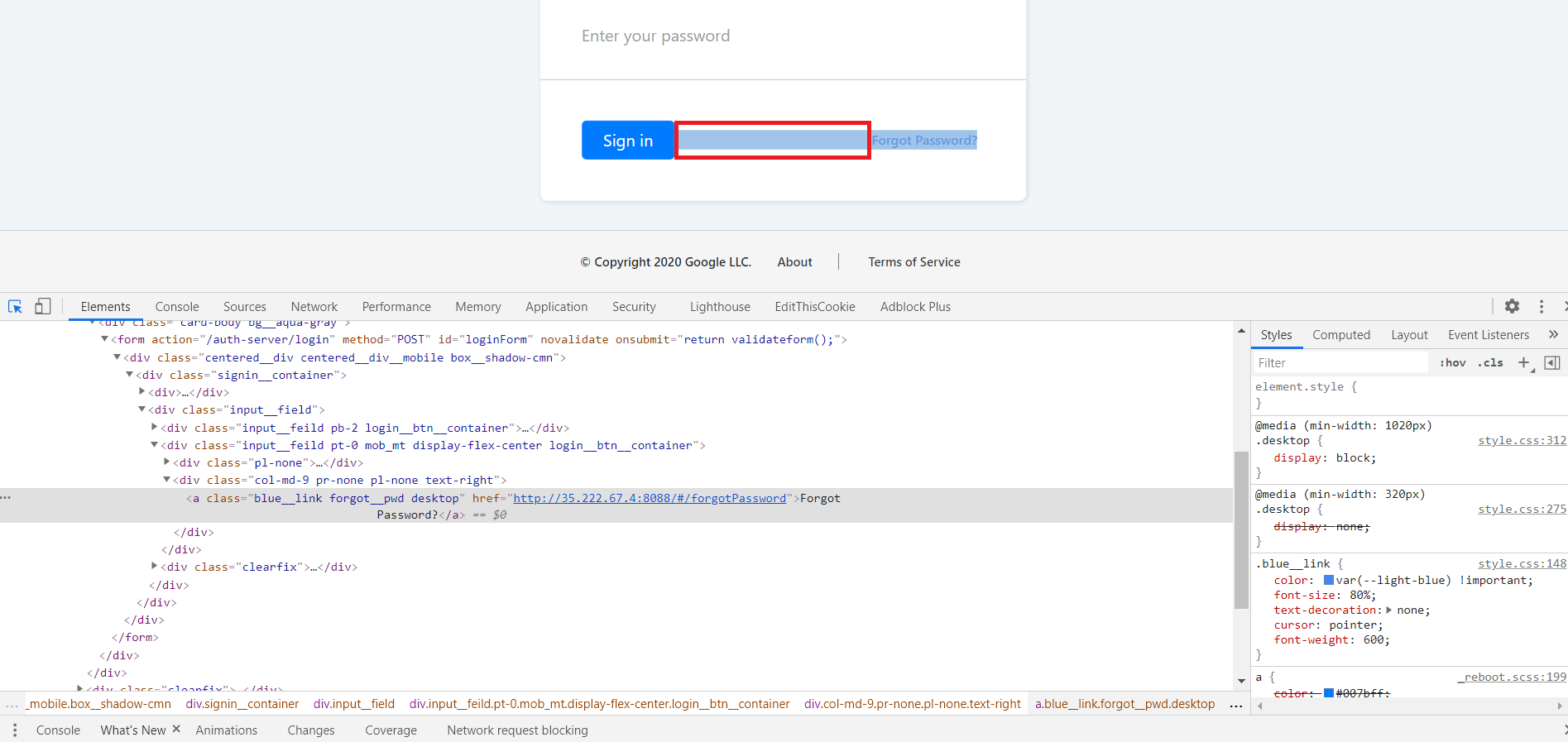427",1.0,"[PM] Signin > Remove 'Forgot Password?' hyperlink in blank spaces - Steps:4281. Navigate to login page4292. Mouse over the blank space present next to signin button4303. Observe431 432Refer attached screenshot:433434",1, signin remove forgot password hyperlink in blank spaces steps navigate to login page mouse over the blank space present next to signin button observe refer attached screenshot ,143512432,14927946247.0,IssuesEvent,2021-01-24 17:20:33,GoogleCloudPlatform/fda-mystudies,https://api.github.com/repos/GoogleCloudPlatform/fda-mystudies,closed,[iOS] Dashboard > Statistics > Questionnaires > Values shown in stats are incorrect and instead calculated based on X/60,Bug P1 Process: Fixed Process: Tested dev iOS,"**Steps:**436 4371. Configure stats for any response type Eg. Height4382. Publish the update4393. Login to iOS mobile4404. Submit the response Eg. 170cm4415. Observe the stats value for the same442 443**Actual:** All the values shown in stats are calculated based on X/60 Eg. 170/60 = 2.833444 445**Expected:** Values should be proper446 447Issue observed for all response types for questionnaires(question step and form step)",2.0,"[iOS] Dashboard > Statistics > Questionnaires > Values shown in stats are incorrect and instead calculated based on X/60 - **Steps:**448 4491. Configure stats for any response type Eg. Height4502. Publish the update4513. Login to iOS mobile4524. Submit the response Eg. 170cm4535. Observe the stats value for the same454 455**Actual:** All the values shown in stats are calculated based on X/60 Eg. 170/60 = 2.833456 457**Expected:** Values should be proper458 459Issue observed for all response types for questionnaires(question step and form step)",1, dashboard statistics questionnaires values shown in stats are incorrect and instead calculated based on x steps configure stats for any response type eg height publish the update login to ios mobile submit the response eg observe the stats value for the same actual all the values shown in stats are calculated based on x eg expected values should be proper issue observed for all response types for questionnaires question step and form step ,146013440,15882145474.0,IssuesEvent,2021-04-09 15:39:11,GoogleCloudPlatform/fda-mystudies,https://api.github.com/repos/GoogleCloudPlatform/fda-mystudies,closed,Email templates > Org name issue,Auth server Bug P2 Participant datastore Process: Fixed Process: Tested QA Process: Tested dev Study datastore,"AR : Org name is displayed as 'MyStudies MyStudies' 461ER : Org name should be displayed as 'Organization' for all the email templates462 463 464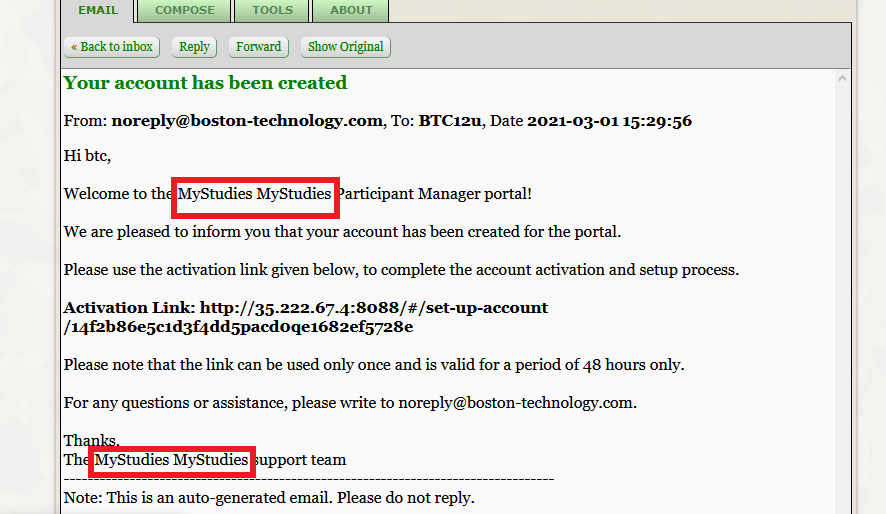465",3.0,"Email templates > Org name issue - AR : Org name is displayed as 'MyStudies MyStudies' 466ER : Org name should be displayed as 'Organization' for all the email templates467 468 469470",1,email templates org name issue ar org name is displayed as mystudies mystudies er org name should be displayed as organization for all the email templates ,147116243,20794551061.0,IssuesEvent,2022-03-17 07:53:44,GoogleCloudPlatform/fda-mystudies,https://api.github.com/repos/GoogleCloudPlatform/fda-mystudies,closed,[iOS] Active tasks > active tasks are configured with the following scheduling type are not getting displayed in the mobile app,Bug P0 Process: Fixed Process: Tested dev,"**Steps:**4721. Log in to SB4732. Click on edit study4743. Go to Active task 4754. Add activity with Regular > onetime with a custom start date and time and by selecting 'Study lifetime' checkbox4765. Publish the updates4776. Go to mobile app4787. Click on a particular study4798. Observe the added activity on the 'Study activities' list screen480 481**AR:** Configured activity with above mentioned scheduling type is not getting displayed in the mobile app482**ER:** Activity should be displayed in the 'Study activities' screen 483 484**Note:** 4851. Issue not observed for anchor date based active tasks and questionnaires4862. Issue not observed in Android",2.0,"[iOS] Active tasks > active tasks are configured with the following scheduling type are not getting displayed in the mobile app - **Steps:**4871. Log in to SB4882. Click on edit study4893. Go to Active task 4904. Add activity with Regular > onetime with a custom start date and time and by selecting 'Study lifetime' checkbox4915. Publish the updates4926. Go to mobile app4937. Click on a particular study4948. Observe the added activity on the 'Study activities' list screen495 496**AR:** Configured activity with above mentioned scheduling type is not getting displayed in the mobile app497**ER:** Activity should be displayed in the 'Study activities' screen 498 499**Note:** 5001. Issue not observed for anchor date based active tasks and questionnaires5012. Issue not observed in Android",1, active tasks active tasks are configured with the following scheduling type are not getting displayed in the mobile app steps log in to sb click on edit study go to active task add activity with regular onetime with a custom start date and time and by selecting study lifetime checkbox publish the updates go to mobile app click on a particular study observe the added activity on the study activities list screen ar configured activity with above mentioned scheduling type is not getting displayed in the mobile app er activity should be displayed in the study activities screen note issue not observed for anchor date based active tasks and questionnaires issue not observed in android,150213967,16742848499.0,IssuesEvent,2021-06-11 12:06:24,GoogleCloudPlatform/fda-mystudies,https://api.github.com/repos/GoogleCloudPlatform/fda-mystudies,closed,[Android] Resources are getting displayed in mobile app irrespective of scheduled date,Android Bug P1 Process: Fixed Process: Tested QA Process: Tested dev,"Resources are getting displayed in the mobile app irrespective of the scheduled date503 504Eg: 505 506**Study name:** Mobile App Open study(Original)507 508**Resources** 5091. Resource with Custom schedule5102. Resource scheduled on 14/6/21",3.0,"[Android] Resources are getting displayed in mobile app irrespective of scheduled date - Resources are getting displayed in the mobile app irrespective of the scheduled date511 512Eg: 513 514**Study name:** Mobile App Open study(Original)515 516**Resources** 5171. Resource with Custom schedule5182. Resource scheduled on 14/6/21",1, resources are getting displayed in mobile app irrespective of scheduled date resources are getting displayed in the mobile app irrespective of the scheduled date eg study name mobile app open study original resources resource with custom schedule resource scheduled on ,151911969,14730443029.0,IssuesEvent,2021-01-06 13:13:24,GoogleCloudPlatform/fda-mystudies,https://api.github.com/repos/GoogleCloudPlatform/fda-mystudies,closed,"To change term 'user' to 'admin' in the error and message codes of PM, also in PM emails",Feature request P1 Participant manager Process: Release 2 Process: Tested QA Process: Tested dev,"Replace the word user with admin in the error and message codes of PM.520 521Also, we need to replace them in the emails of PM.522 523",3.0,"To change term 'user' to 'admin' in the error and message codes of PM, also in PM emails - Replace the word user with admin in the error and message codes of PM.524 525Also, we need to replace them in the emails of PM.526 527",1,to change term user to admin in the error and message codes of pm also in pm emails replace the word user with admin in the error and message codes of pm also we need to replace them in the emails of pm ,152818656,24581325103.0,IssuesEvent,2022-10-13 15:49:38,GoogleCloudPlatform/fda-mystudies,https://api.github.com/repos/GoogleCloudPlatform/fda-mystudies,closed,[FHIR] Questionnaire resources >JSON > 'Initial' key not getting displayed when admin adds placeholder text in the study builder,Bug P1 Response datastore Process: Fixed Process: Tested dev,Questionnaire resources > 'Initial' key not getting displayed when admin adds placeholder text in the study builder,2.0,[FHIR] Questionnaire resources >JSON > 'Initial' key not getting displayed when admin adds placeholder text in the study builder - Questionnaire resources > 'Initial' key not getting displayed when admin adds placeholder text in the study builder,1, questionnaire resources json initial key not getting displayed when admin adds placeholder text in the study builder questionnaire resources initial key not getting displayed when admin adds placeholder text in the study builder,152919304,25466626828.0,IssuesEvent,2022-11-25 05:30:48,GoogleCloudPlatform/fda-mystudies,https://api.github.com/repos/GoogleCloudPlatform/fda-mystudies,closed,[IDP] [PM] Not able to add non-organizational admins in the participant manager,Bug Blocker P0 Participant manager Process: Fixed Process: Tested QA Process: Tested dev,Not able to add non-organizational admins in the participant manager,3.0,[IDP] [PM] Not able to add non-organizational admins in the participant manager - Not able to add non-organizational admins in the participant manager,1, not able to add non organizational admins in the participant manager not able to add non organizational admins in the participant manager,153012463,14937186442.0,IssuesEvent,2021-01-25 14:20:32,GoogleCloudPlatform/fda-mystudies,https://api.github.com/repos/GoogleCloudPlatform/fda-mystudies,closed,Cutomer logo > Alignment issue,Bug P2 Participant manager Process: Fixed Process: Tested dev,"1. Cutomer logo > Alignment issue5312. My Account circle icon text is not centralized 532 533[Note : Issue should be fixed in all screens]534 535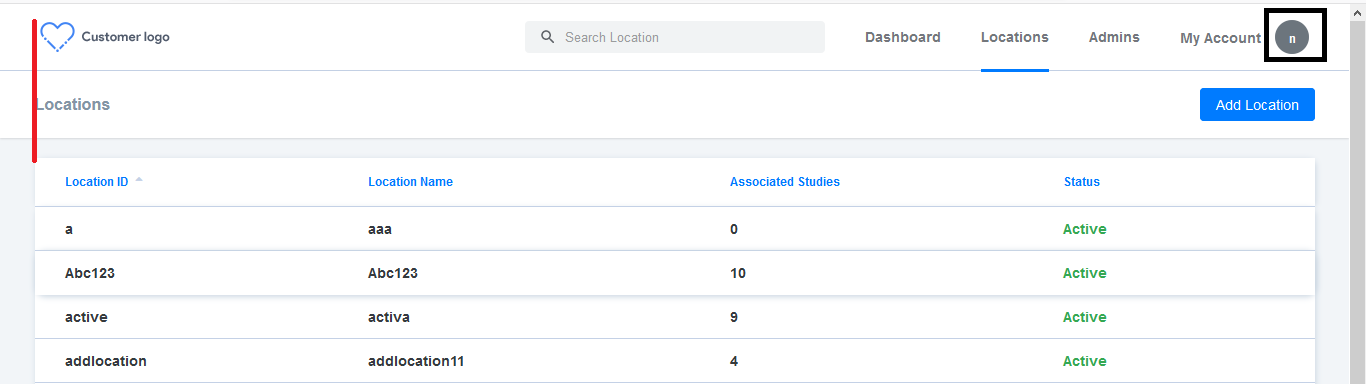536 537",2.0,"Cutomer logo > Alignment issue - 1. Cutomer logo > Alignment issue5382. My Account circle icon text is not centralized 539 540[Note : Issue should be fixed in all screens]541 542543 544",1,cutomer logo alignment issue cutomer logo alignment issue my account circle icon text is not centralized ,154511887,14681295879.0,IssuesEvent,2020-12-31 12:48:36,GoogleCloudPlatform/fda-mystudies,https://api.github.com/repos/GoogleCloudPlatform/fda-mystudies,closed,Apps tab > Loader icon is missing at the bottom of the page,Bug P1 Participant manager Process: Dev Process: Fixed,"AR :Apps tab > Loader icon is missing at the bottom of the page546ER : Loader icon should be present 547(Note : Only 10 sets of data should load at a time)548 549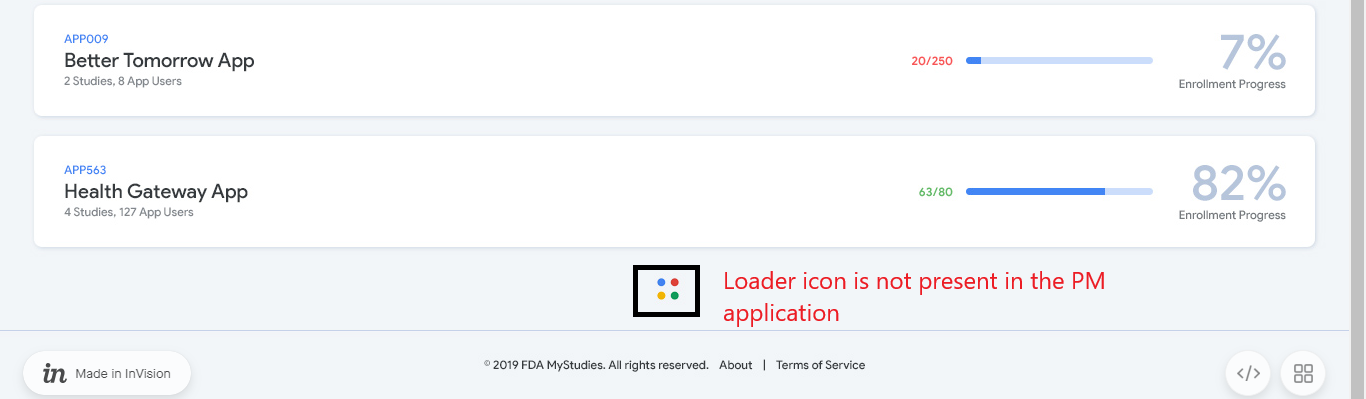550",2.0,"Apps tab > Loader icon is missing at the bottom of the page - AR :Apps tab > Loader icon is missing at the bottom of the page551ER : Loader icon should be present 552(Note : Only 10 sets of data should load at a time)553 554555",1,apps tab loader icon is missing at the bottom of the page ar apps tab loader icon is missing at the bottom of the page er loader icon should be present note only sets of data should load at a time ,155618700,24595906558.0,IssuesEvent,2022-10-14 08:18:51,GoogleCloudPlatform/fda-mystudies,https://api.github.com/repos/GoogleCloudPlatform/fda-mystudies,closed,[Big query] Form steps > Response records are not getting created in the views,Bug Blocker P0 Response datastore Process: Fixed Process: Tested dev,"AR: Form steps > Response records are not getting created in the views557ER: Form steps > Response records should get created in the views and response tables558 559[Note: Issue should be fixed for both instruction step and form step questions]560",2.0,"[Big query] Form steps > Response records are not getting created in the views - AR: Form steps > Response records are not getting created in the views561ER: Form steps > Response records should get created in the views and response tables562 563[Note: Issue should be fixed for both instruction step and form step questions]564",1, form steps response records are not getting created in the views ar form steps response records are not getting created in the views er form steps response records should get created in the views and response tables ,156514475,17596685414.0,IssuesEvent,2021-08-17 06:31:35,GoogleCloudPlatform/fda-mystudies,https://api.github.com/repos/GoogleCloudPlatform/fda-mystudies,closed,[iOS] Issues related to 'Text' response type validation in iOS platform,Bug P2 iOS Process: Fixed Process: Tested QA Process: Tested dev,"Steps:5661. Configure a 'text' response type for below scenarios5672. Publish updates from SB5683. Check the validation from iOS mobile569 570SB Configuration for 'Text' | Actual result in iOS | Expected result571-- | -- | --572Allow numbers | a) Allowing combination of Alphanumeric b) Allowing combination of numeric-special characters c) Allowing combination of alphanumeric-special characters | Should accept only numbers573Allow alphabets | a) Allowing combination of Alphanumeric b) Allowing combination of alphabet-special characters c) Allowing combination of alphanumeric-special characters | Should accept only alphabets574Allow alphabets and numbers | a) Allowing combination of numeric-special characters b) Allowing combination of alphabet-special characters c) Allowing combination of alphanumeric-special characters | Should accept only combination of alphanumeric575Allow special characters | a) Allowing combination of numeric-special characters b) Allowing combination of alphabet-special characters c) Allowing combination of alphanumeric-special characters | Should accept only special characters576 577Issue observed for both Question step and form step578Issue not observed for 'Disallow' scenarios and other scenarios 579Issue not observed in 'Android' platform",3.0,"[iOS] Issues related to 'Text' response type validation in iOS platform - Steps:5801. Configure a 'text' response type for below scenarios5812. Publish updates from SB5823. Check the validation from iOS mobile583 584SB Configuration for 'Text' | Actual result in iOS | Expected result585-- | -- | --586Allow numbers | a) Allowing combination of Alphanumeric b) Allowing combination of numeric-special characters c) Allowing combination of alphanumeric-special characters | Should accept only numbers587Allow alphabets | a) Allowing combination of Alphanumeric b) Allowing combination of alphabet-special characters c) Allowing combination of alphanumeric-special characters | Should accept only alphabets588Allow alphabets and numbers | a) Allowing combination of numeric-special characters b) Allowing combination of alphabet-special characters c) Allowing combination of alphanumeric-special characters | Should accept only combination of alphanumeric589Allow special characters | a) Allowing combination of numeric-special characters b) Allowing combination of alphabet-special characters c) Allowing combination of alphanumeric-special characters | Should accept only special characters590 591Issue observed for both Question step and form step592Issue not observed for 'Disallow' scenarios and other scenarios 593Issue not observed in 'Android' platform",1, issues related to text response type validation in ios platform steps configure a text response type for below scenarios publish updates from sb check the validation from ios mobile sb configuration for text actual result in ios expected result allow numbers a allowing combination of alphanumeric b allowing combination of numeric special characters c allowing combination of alphanumeric special characters should accept only numbers allow alphabets a allowing combination of alphanumeric b allowing combination of alphabet special characters c allowing combination of alphanumeric special characters should accept only alphabets allow alphabets and numbers a allowing combination of numeric special characters b allowing combination of alphabet special characters c allowing combination of alphanumeric special characters should accept only combination of alphanumeric allow special characters a allowing combination of numeric special characters b allowing combination of alphabet special characters c allowing combination of alphanumeric special characters should accept only special characters issue observed for both question step and form step issue not observed for disallow scenarios and other scenarios issue not observed in android platform,159418683,24594848734.0,IssuesEvent,2022-10-14 07:24:09,GoogleCloudPlatform/fda-mystudies,https://api.github.com/repos/GoogleCloudPlatform/fda-mystudies,closed,[Android] [FHIR] Questionnaire response > Display text is getting displayed when participant select 'Other' option in the text choice questionnaire,Bug P1 Android Response datastore Process: Fixed Process: Tested QA Process: Tested dev,"**Pre-condition:** Text choice multiselect with other option questionnaire should be configured in the Study builder595 596**Steps:**5971. Sign up or Sign to the mobile app5982. Enroll to the study5993. Submit the response for created questionnaire6004. Go to the FHIR store6015. Go to questionnaire response6026. Click on the particular record and observe the JSON file603 604**AR:** Questionnaire response > Display text which is configured in the SB is getting displayed when participant select 'Other' option in the text choice questionnaire605**ER:** Questionnaire response > Value which is configured in the SB should get displayed when participant select 'Other' option in the text choice questionnaire606 607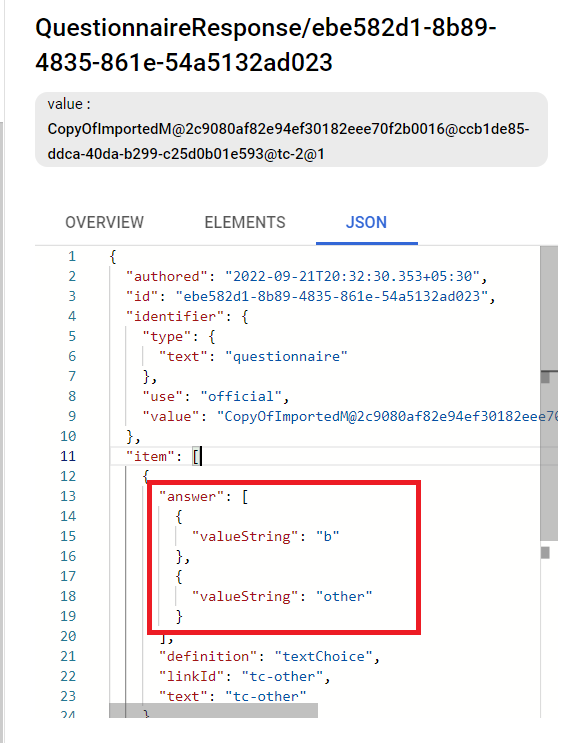608",3.0,"[Android] [FHIR] Questionnaire response > Display text is getting displayed when participant select 'Other' option in the text choice questionnaire - **Pre-condition:** Text choice multiselect with other option questionnaire should be configured in the Study builder609 610**Steps:**6111. Sign up or Sign to the mobile app6122. Enroll to the study6133. Submit the response for created questionnaire6144. Go to the FHIR store6155. Go to questionnaire response6166. Click on the particular record and observe the JSON file617 618**AR:** Questionnaire response > Display text which is configured in the SB is getting displayed when participant select 'Other' option in the text choice questionnaire619**ER:** Questionnaire response > Value which is configured in the SB should get displayed when participant select 'Other' option in the text choice questionnaire620 621622",1, questionnaire response display text is getting displayed when participant select other option in the text choice questionnaire pre condition text choice multiselect with other option questionnaire should be configured in the study builder steps sign up or sign to the mobile app enroll to the study submit the response for created questionnaire go to the fhir store go to questionnaire response click on the particular record and observe the json file ar questionnaire response display text which is configured in the sb is getting displayed when participant select other option in the text choice questionnaire er questionnaire response value which is configured in the sb should get displayed when participant select other option in the text choice questionnaire ,162318524,24552046166.0,IssuesEvent,2022-10-12 13:19:42,GoogleCloudPlatform/fda-mystudies,https://api.github.com/repos/GoogleCloudPlatform/fda-mystudies,closed,[iOS] Mobile participant is not able to complete their sign up flow in the following scenario,Bug P0 iOS Process: Fixed Process: Tested QA Process: Tested dev,"**Steps:**6241. Install the mobile app in the testing device6252. Go to sign in screen6263. Click on the Signup button6274. Enter all the required fields and click on submit6285. Enter the received verification code6296. Observe630 631**AR:** Sign in not available error page is getting displayed632**ER:** Mobile users should be able to sign up for their account successfully633 634Note: if the user goes back to sign in screen and tries to sign in then gets a 'Sorry an error has occurred....' error message is getting displayed635 636637 638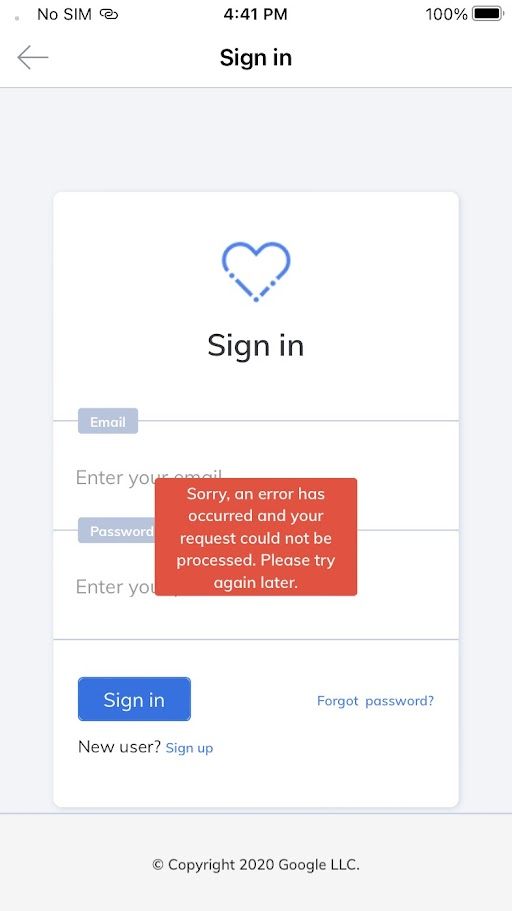639 640 641 642",3.0,"[iOS] Mobile participant is not able to complete their sign up flow in the following scenario - **Steps:**6431. Install the mobile app in the testing device6442. Go to sign in screen6453. Click on the Signup button6464. Enter all the required fields and click on submit6475. Enter the received verification code6486. Observe649 650**AR:** Sign in not available error page is getting displayed651**ER:** Mobile users should be able to sign up for their account successfully652 653Note: if the user goes back to sign in screen and tries to sign in then gets a 'Sorry an error has occurred....' error message is getting displayed654 655656 657658 659 660 661",1, mobile participant is not able to complete their sign up flow in the following scenario steps install the mobile app in the testing device go to sign in screen click on the signup button enter all the required fields and click on submit enter the received verification code observe ar sign in not available error page is getting displayed er mobile users should be able to sign up for their account successfully note if the user goes back to sign in screen and tries to sign in then gets a sorry an error has occurred error message is getting displayed ,166212375,14897020446.0,IssuesEvent,2021-01-21 11:10:15,GoogleCloudPlatform/fda-mystudies,https://api.github.com/repos/GoogleCloudPlatform/fda-mystudies,closed,"[iOS] [Audit Logs] ""run_id"" is displayed empty string in description for the events",Bug P2 Process: Fixed iOS,"**Events:**663 6641. ACTIVITY_METADATA_CONJOINED_WITH_RESPONSE_DATA6652. ACTIVITY_STATE_SAVED_OR_UPDATED_AFTER_RESPONSE_SUBMISSION666 667Sample snippet for event `ACTIVITY_STATE_SAVED_OR_UPDATED_AFTER_RESPONSE_SUBMISSION` event668 669```670{671 ""insertId"": ""rhfmywg1sw4xa3"",672 ""jsonPayload"": {673 ""eventCode"": ""ACTIVITY_STATE_SAVED_OR_UPDATED_AFTER_RESPONSE_SUBMISSION"",674 ""resourceServer"": null,675 ""platformVersion"": ""1.0"",676 ""occurred"": 1608728040143,677 ""destinationApplicationVersion"": ""1.0"",678 ""appId"": ""BTCDEV001"",679 ""source"": ""RESPONSE DATASTORE"",680 ""userAccessLevel"": null,681 ""appVersion"": ""1.0.146"",682 ""userIp"": ""117.216.168.129"",683 ""destination"": ""RESPONSE DATASTORE"",684 ""studyId"": ""COVID001"",685 ""studyVersion"": null,686 ""mobilePlatform"": ""IOS"",687 ""description"": ""Activity state 'Completed' for activity ID 'Auto0016' was saved or updated for participant, after response submission. Activity version: '1.0' , run ID: ''."",688 ""userId"": ""73f6eb31q22c4x4b63r88d4v2576890ae3ba"",689 ""sourceApplicationVersion"": ""1.0"",690 ""participantId"": ""0a6bc3a6-3879-4e31-9ee3-e91709815a00"",691 ""siteId"": null,692 ""correlationId"": ""756C412F-7FA3-4601-ADA1-6A79D92BA52A""693 },694 ""resource"": {695 ""type"": ""global"",696 ""labels"": {697 ""project_id"": ""mystudies-open-impl-track1-dev""698 }699 },700 ""timestamp"": ""2020-12-23T12:54:00.143Z"",701 ""severity"": ""INFO"",702 ""logName"": ""projects/mystudies-open-impl-track1-dev/logs/application-audit-log"",703 ""receiveTimestamp"": ""2020-12-23T12:54:00.254293312Z""704}705```",1.0,"[iOS] [Audit Logs] ""run_id"" is displayed empty string in description for the events - **Events:**706 7071. ACTIVITY_METADATA_CONJOINED_WITH_RESPONSE_DATA7082. ACTIVITY_STATE_SAVED_OR_UPDATED_AFTER_RESPONSE_SUBMISSION709 710Sample snippet for event `ACTIVITY_STATE_SAVED_OR_UPDATED_AFTER_RESPONSE_SUBMISSION` event711 712```713{714 ""insertId"": ""rhfmywg1sw4xa3"",715 ""jsonPayload"": {716 ""eventCode"": ""ACTIVITY_STATE_SAVED_OR_UPDATED_AFTER_RESPONSE_SUBMISSION"",717 ""resourceServer"": null,718 ""platformVersion"": ""1.0"",719 ""occurred"": 1608728040143,720 ""destinationApplicationVersion"": ""1.0"",721 ""appId"": ""BTCDEV001"",722 ""source"": ""RESPONSE DATASTORE"",723 ""userAccessLevel"": null,724 ""appVersion"": ""1.0.146"",725 ""userIp"": ""117.216.168.129"",726 ""destination"": ""RESPONSE DATASTORE"",727 ""studyId"": ""COVID001"",728 ""studyVersion"": null,729 ""mobilePlatform"": ""IOS"",730 ""description"": ""Activity state 'Completed' for activity ID 'Auto0016' was saved or updated for participant, after response submission. Activity version: '1.0' , run ID: ''."",731 ""userId"": ""73f6eb31q22c4x4b63r88d4v2576890ae3ba"",732 ""sourceApplicationVersion"": ""1.0"",733 ""participantId"": ""0a6bc3a6-3879-4e31-9ee3-e91709815a00"",734 ""siteId"": null,735 ""correlationId"": ""756C412F-7FA3-4601-ADA1-6A79D92BA52A""736 },737 ""resource"": {738 ""type"": ""global"",739 ""labels"": {740 ""project_id"": ""mystudies-open-impl-track1-dev""741 }742 },743 ""timestamp"": ""2020-12-23T12:54:00.143Z"",744 ""severity"": ""INFO"",745 ""logName"": ""projects/mystudies-open-impl-track1-dev/logs/application-audit-log"",746 ""receiveTimestamp"": ""2020-12-23T12:54:00.254293312Z""747}748```",1, run id is displayed empty string in description for the events events activity metadata conjoined with response data activity state saved or updated after response submission sample snippet for event activity state saved or updated after response submission event insertid jsonpayload eventcode activity state saved or updated after response submission resourceserver null platformversion occurred destinationapplicationversion appid source response datastore useraccesslevel null appversion userip destination response datastore studyid studyversion null mobileplatform ios description activity state completed for activity id was saved or updated for participant after response submission activity version run id userid sourceapplicationversion participantid siteid null correlationid resource type global labels project id mystudies open impl dev timestamp severity info logname projects mystudies open impl dev logs application audit log receivetimestamp ,174919301,25466501500.0,IssuesEvent,2022-11-25 05:18:22,GoogleCloudPlatform/fda-mystudies,https://api.github.com/repos/GoogleCloudPlatform/fda-mystudies,closed,[IDP] [PM] Admin account should not be added in the PM in the following scenario,Bug Blocker P0 Participant manager Process: Fixed Process: Tested QA Process: Tested dev,"**Pre-condition:** mfa should be enabled in the PM750 751**Steps:**752 7531. Login to PM7542. Click on 'Admins' tab7553. Click on 'Add new admin' button7564. Add admin in the application without phone number and Verify757 758**AR:** Admin account is getting added in the PM759**ER:** Admin account should not be added in the PM ,without entering phone number field.760 761**Note:** Phone number is mandatory when mfa is enabled in the PM",3.0,"[IDP] [PM] Admin account should not be added in the PM in the following scenario - **Pre-condition:** mfa should be enabled in the PM762 763**Steps:**764 7651. Login to PM7662. Click on 'Admins' tab7673. Click on 'Add new admin' button7684. Add admin in the application without phone number and Verify769 770**AR:** Admin account is getting added in the PM771**ER:** Admin account should not be added in the PM ,without entering phone number field.772 773**Note:** Phone number is mandatory when mfa is enabled in the PM",1, admin account should not be added in the pm in the following scenario pre condition mfa should be enabled in the pm steps login to pm click on admins tab click on add new admin button add admin in the application without phone number and verify ar admin account is getting added in the pm er admin account should not be added in the pm without entering phone number field note phone number is mandatory when mfa is enabled in the pm,177415862,20035824128.0,IssuesEvent,2022-02-02 11:46:38,GoogleCloudPlatform/fda-mystudies,https://api.github.com/repos/GoogleCloudPlatform/fda-mystudies,closed,[iOS] Text scale > Slider button not visible on clicking 'Save for later' and opening the activity,Bug P2 iOS Process: Fixed Process: Tested dev,"**Steps:**7751. Configure a text scale horizontal/vertical for question/form step7762. Publish updates7773. Enroll into study from iOS7784. Open the activity7795. Choose some of the options and click on Cancel7806. Choose save for later7817. Again open the activity7828. Observe slider button not visible783 784**Actual:** Slider button not visible on clicking 'Save for later' and opening the activity785 786**Expected:** Slider button should be visible 787 788Issue observed for7891. Question step - Text scale horizontal7902. Question step - Text scale Vertical7913. Form step - Text scale horizontal7924. Form step - Text scale Vertical793 794App ID - GCPMOB001795Study ID - TriteraNatural796 797**Refer video**798 799https://user-images.githubusercontent.com/60386291/143011833-4c57808f-d870-4da4-9c2b-b12b82c22c97.MOV800 801 802 803",2.0,"[iOS] Text scale > Slider button not visible on clicking 'Save for later' and opening the activity - **Steps:**8041. Configure a text scale horizontal/vertical for question/form step8052. Publish updates8063. Enroll into study from iOS8074. Open the activity8085. Choose some of the options and click on Cancel8096. Choose save for later8107. Again open the activity8118. Observe slider button not visible812 813**Actual:** Slider button not visible on clicking 'Save for later' and opening the activity814 815**Expected:** Slider button should be visible 816 817Issue observed for8181. Question step - Text scale horizontal8192. Question step - Text scale Vertical8203. Form step - Text scale horizontal8214. Form step - Text scale Vertical822 823App ID - GCPMOB001824Study ID - TriteraNatural825 826**Refer video**827 828https://user-images.githubusercontent.com/60386291/143011833-4c57808f-d870-4da4-9c2b-b12b82c22c97.MOV829 830 831 832",1, text scale slider button not visible on clicking save for later and opening the activity steps configure a text scale horizontal vertical for question form step publish updates enroll into study from ios open the activity choose some of the options and click on cancel choose save for later again open the activity observe slider button not visible actual slider button not visible on clicking save for later and opening the activity expected slider button should be visible issue observed for question step text scale horizontal question step text scale vertical form step text scale horizontal form step text scale vertical app id study id triteranatural refer video ,183318488,24550903457.0,IssuesEvent,2022-10-12 12:32:27,GoogleCloudPlatform/fda-mystudies,https://api.github.com/repos/GoogleCloudPlatform/fda-mystudies,closed,[PM] [Angular Upgrade] Dashboard > Sites > UI issue,Bug P2 Participant manager Process: Fixed Process: Tested QA Process: Tested dev,"UI issue is observed in the 'Sites' screen i.e., Alignment is not proper834 835**AR:**836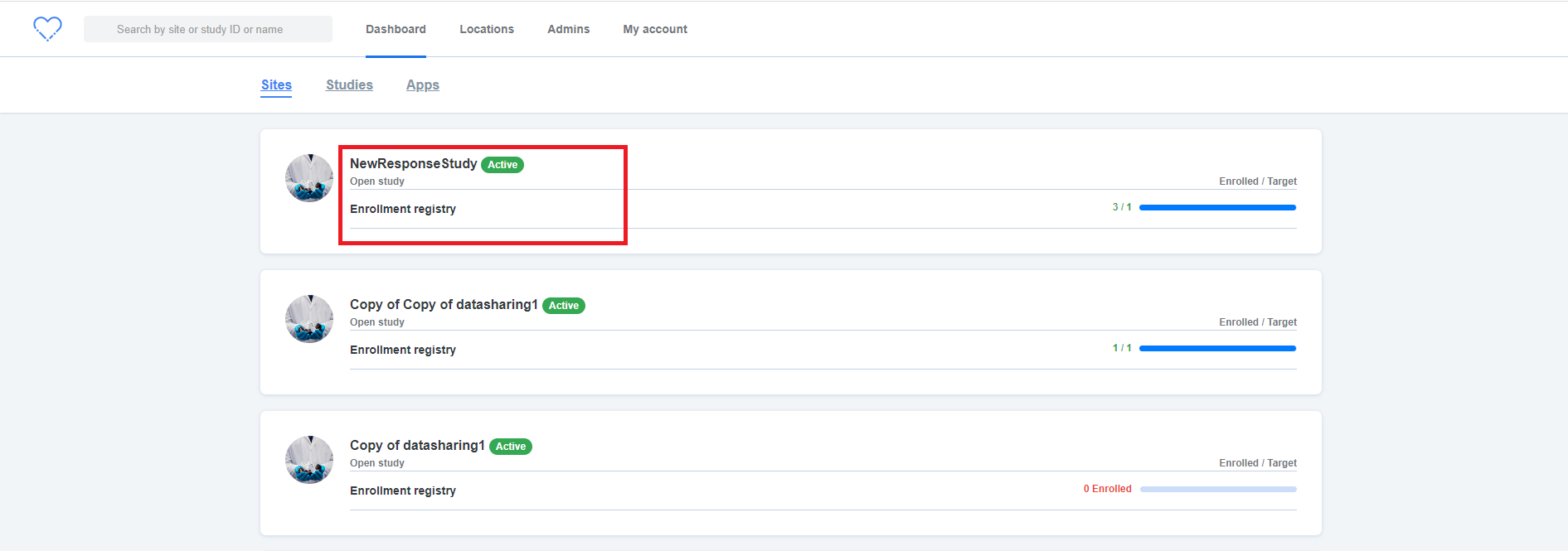837 838**ER:**839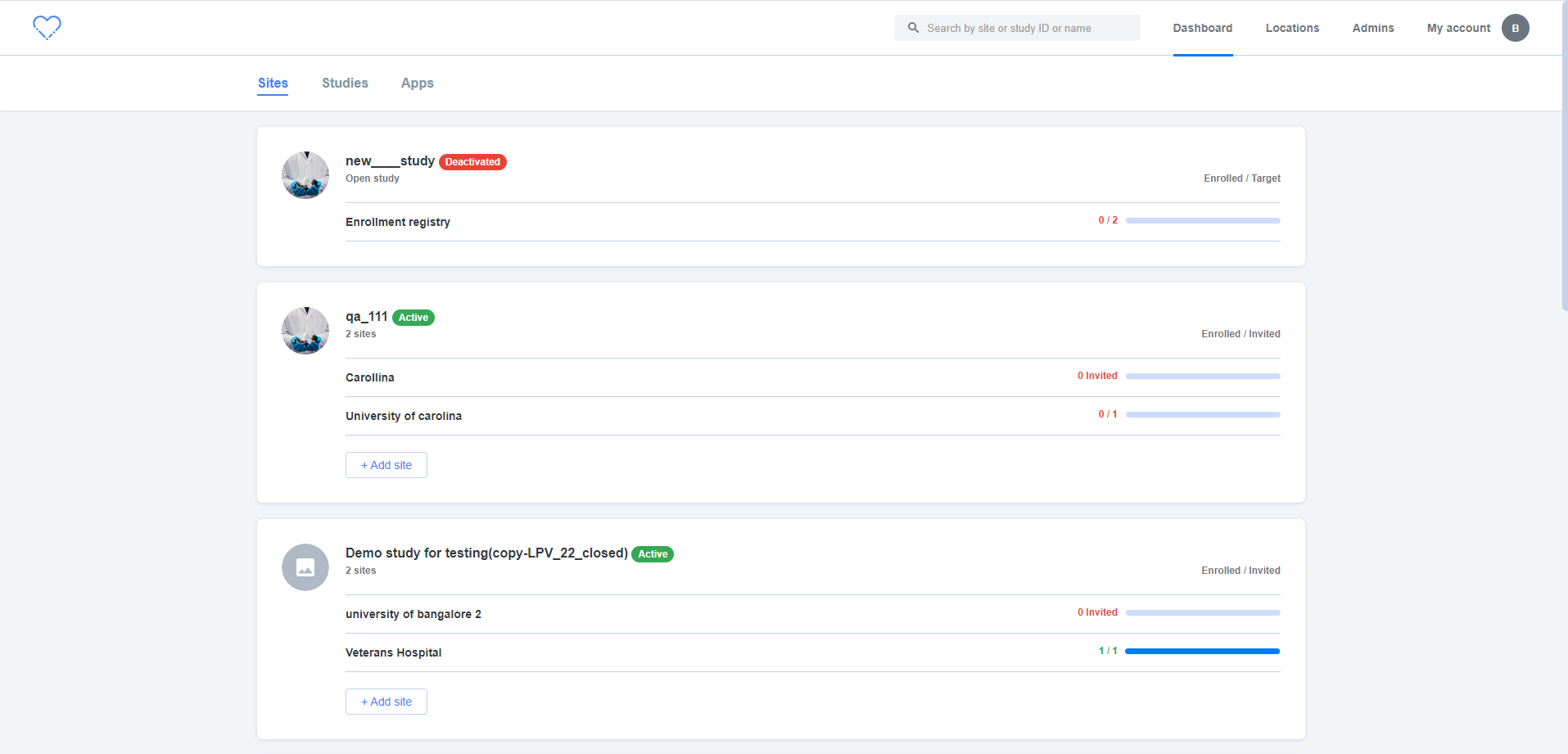840 841",3.0,"[PM] [Angular Upgrade] Dashboard > Sites > UI issue - UI issue is observed in the 'Sites' screen i.e., Alignment is not proper842 843**AR:**844845 846**ER:**847848 849",1, dashboard sites ui issue ui issue is observed in the sites screen i e alignment is not proper ar er ,185011749,14583463217.0,IssuesEvent,2020-12-18 14:02:19,GoogleCloudPlatform/fda-mystudies,https://api.github.com/repos/GoogleCloudPlatform/fda-mystudies,closed,"Adjust ""no records found"" text to have padding",Bug P2 Participant manager Process: Tested QA Process: Tested dev UI,"Add space between the ""no records found"" text and the top of the panel.851 852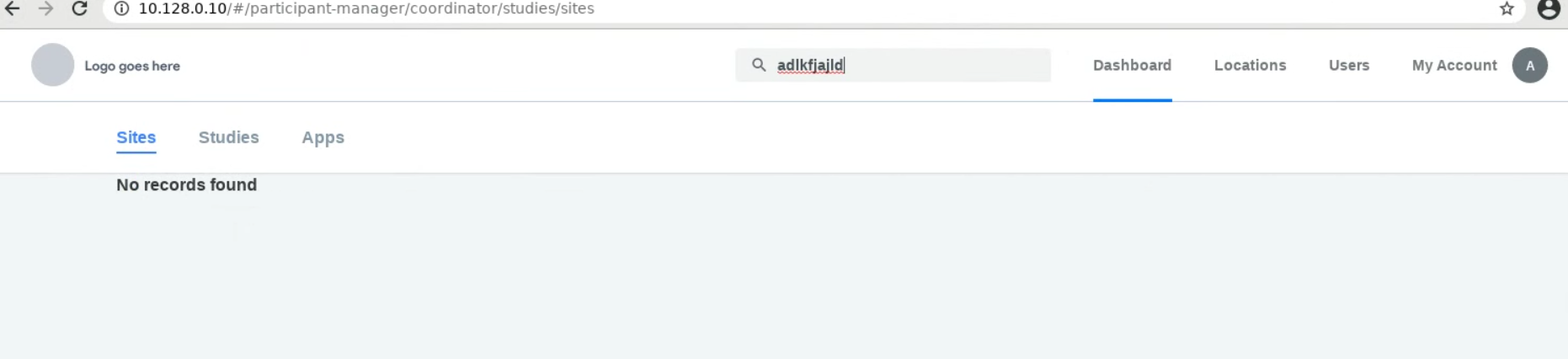853",2.0,"Adjust ""no records found"" text to have padding - Add space between the ""no records found"" text and the top of the panel.854 855856",1,adjust no records found text to have padding add space between the no records found text and the top of the panel ,185718564,24555759759.0,IssuesEvent,2022-10-12 15:44:44,GoogleCloudPlatform/fda-mystudies,https://api.github.com/repos/GoogleCloudPlatform/fda-mystudies,closed,[Mobile apps] Study activities screen > UI issue,Bug P2 iOS Android Process: Fixed Process: Tested QA Process: Tested dev,"Study activities screen > UI issue > There should be a gap between time and time unit (AM or PM)858 859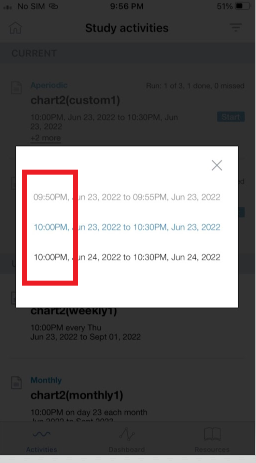860 861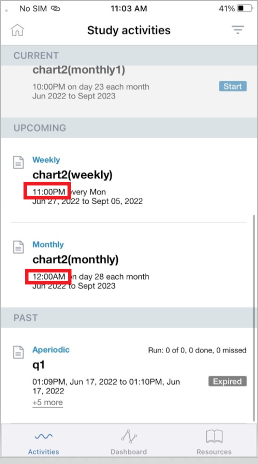862",3.0,"[Mobile apps] Study activities screen > UI issue - Study activities screen > UI issue > There should be a gap between time and time unit (AM or PM)863 864865 866867",1, study activities screen ui issue study activities screen ui issue there should be a gap between time and time unit am or pm ,186818523,24551909772.0,IssuesEvent,2022-10-12 13:14:11,GoogleCloudPlatform/fda-mystudies,https://api.github.com/repos/GoogleCloudPlatform/fda-mystudies,closed,[iOS] Dashboard > Statistics > UI issue for Day and Week tabs,Bug P2 iOS Process: Fixed Process: Tested dev,"**Actual:** First 2 letters of the month text is showing in blue colour869 870**Expected:** Colour of the text should be in light grey colour and blue colour should be removed871 872Issue not observed for Month tab873 874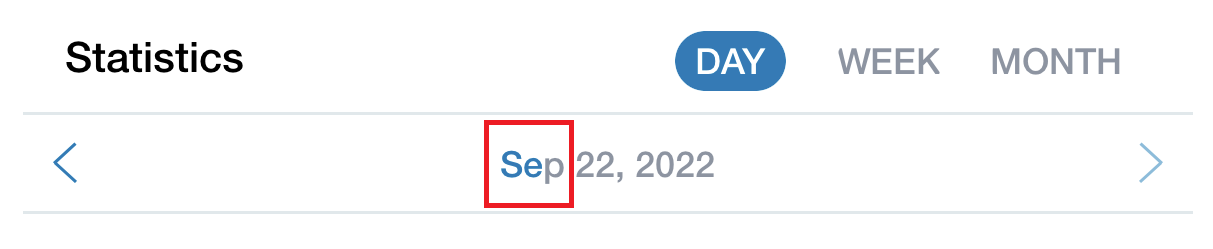875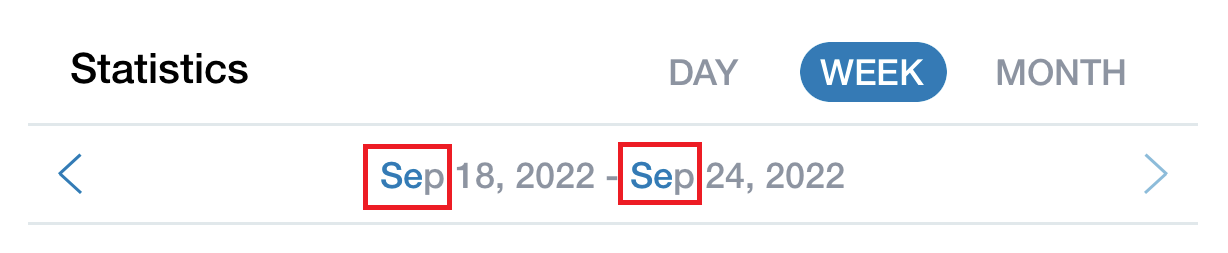876 877",2.0,"[iOS] Dashboard > Statistics > UI issue for Day and Week tabs - **Actual:** First 2 letters of the month text is showing in blue colour878 879**Expected:** Colour of the text should be in light grey colour and blue colour should be removed880 881Issue not observed for Month tab882 883884885 886",1, dashboard statistics ui issue for day and week tabs actual first letters of the month text is showing in blue colour expected colour of the text should be in light grey colour and blue colour should be removed issue not observed for month tab ,188719330,25472542549.0,IssuesEvent,2022-11-25 11:28:02,GoogleCloudPlatform/fda-mystudies,https://api.github.com/repos/GoogleCloudPlatform/fda-mystudies,closed,[IDP] [PM] A popup message is getting displayed when adding a new admin in the PM,Bug P1 Participant manager Process: Fixed Process: Tested QA Process: Tested dev,"**Pre-condition:** IDP should be disabled in the PM888 889**Steps:**8901. Login to PM8912. Click on 'Admins' tab8923. Click on 'Add new admin' button8934. Complete all the fields8945. Click on 'Add admin user and invite' button and Verify895 896**AR:** A popup message is getting displayed when adding a new admin in the PM897**ER:** A popup message should not get displayed when adding a new admin in the PM898 899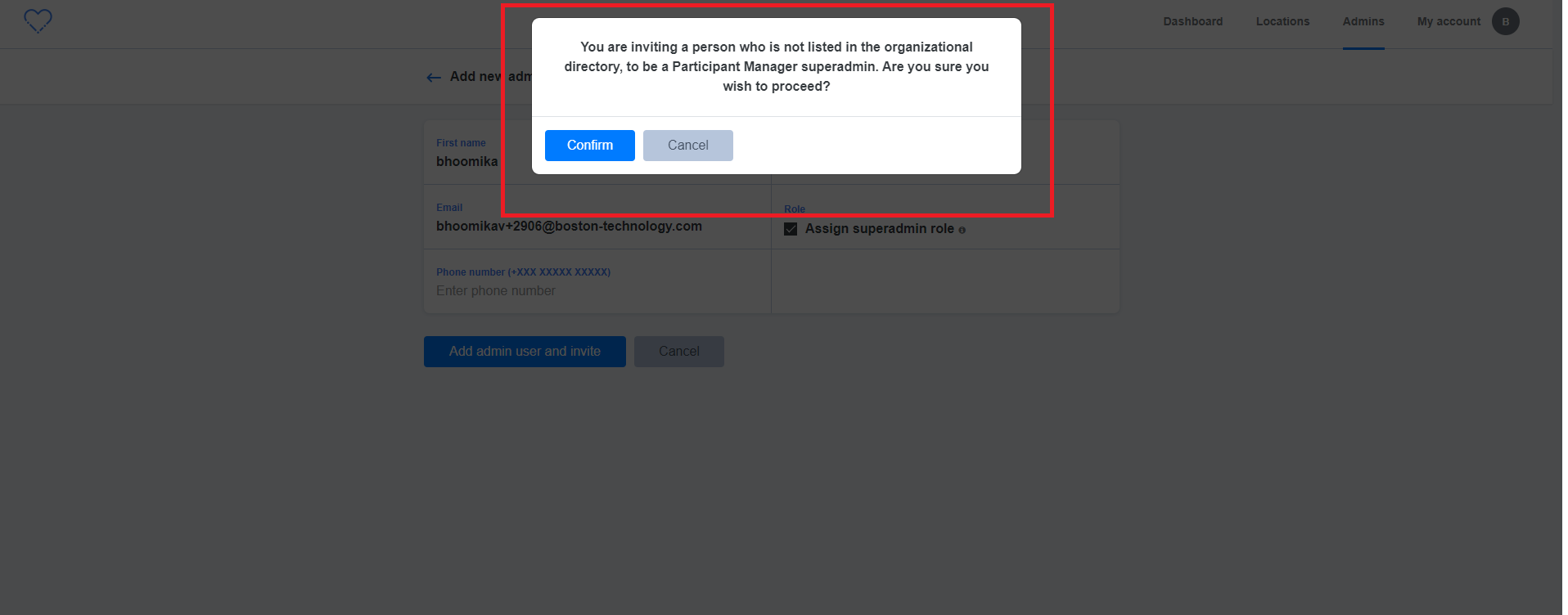900",3.0,"[IDP] [PM] A popup message is getting displayed when adding a new admin in the PM - **Pre-condition:** IDP should be disabled in the PM901 902**Steps:**9031. Login to PM9042. Click on 'Admins' tab9053. Click on 'Add new admin' button9064. Complete all the fields9075. Click on 'Add admin user and invite' button and Verify908 909**AR:** A popup message is getting displayed when adding a new admin in the PM910**ER:** A popup message should not get displayed when adding a new admin in the PM911 912913",1, a popup message is getting displayed when adding a new admin in the pm pre condition idp should be disabled in the pm steps login to pm click on admins tab click on add new admin button complete all the fields click on add admin user and invite button and verify ar a popup message is getting displayed when adding a new admin in the pm er a popup message should not get displayed when adding a new admin in the pm ,191414797,18074493927.0,IssuesEvent,2021-09-21 08:20:54,GoogleCloudPlatform/fda-mystudies,https://api.github.com/repos/GoogleCloudPlatform/fda-mystudies,closed,[PM] My account tab > Text change is required,Bug P2 Participant manager Process: Fixed Process: Tested QA Process: Tested dev,"Change the from **`My Account`** to **`My account`** 915 916 917918",3.0,"[PM] My account tab > Text change is required - Change the from **`My Account`** to **`My account`** 919 920 921922",1, my account tab text change is required change the from my account to my account ,192318487,24550898509.0,IssuesEvent,2022-10-12 12:32:14,GoogleCloudPlatform/fda-mystudies,https://api.github.com/repos/GoogleCloudPlatform/fda-mystudies,closed,[iOS] [Offline indicator] App is getting crashed in the following scenarios,Bug P0 iOS Process: Fixed Process: Tested QA Process: Tested dev,"The app is getting crashed where ever app is navigating to other screens (for eg. refer to the below scenario)924Steps:9251. Sign in to the app9262. Click on the enrolled study9273. Turn off the data9284. Click on the Activity9295. Turn on the data9306. Enter the passcode9317. observe932 933AR: App is getting crashed934ER: App should not be crashed and participants should stay on the activities screen935 936Note:937The issue should be fixed on all the screen9381. When the participant clicks on SIgnou or signout later screen with the above scenarios9392. When participants click on consent with the above scenarios etc.940 941 942https://user-images.githubusercontent.com/71445210/178310060-33d7898c-a757-4d89-8a92-ab50ca2e0271.MOV943 944 945 946 947",3.0,"[iOS] [Offline indicator] App is getting crashed in the following scenarios - The app is getting crashed where ever app is navigating to other screens (for eg. refer to the below scenario)948Steps:9491. Sign in to the app9502. Click on the enrolled study9513. Turn off the data9524. Click on the Activity9535. Turn on the data9546. Enter the passcode9557. observe956 957AR: App is getting crashed958ER: App should not be crashed and participants should stay on the activities screen959 960Note:961The issue should be fixed on all the screen9621. When the participant clicks on SIgnou or signout later screen with the above scenarios9632. When participants click on consent with the above scenarios etc.964 965 966https://user-images.githubusercontent.com/71445210/178310060-33d7898c-a757-4d89-8a92-ab50ca2e0271.MOV967 968 969 970 971",1, app is getting crashed in the following scenarios the app is getting crashed where ever app is navigating to other screens for eg refer to the below scenario steps sign in to the app click on the enrolled study turn off the data click on the activity turn on the data enter the passcode observe ar app is getting crashed er app should not be crashed and participants should stay on the activities screen note the issue should be fixed on all the screen when the participant clicks on signou or signout later screen with the above scenarios when participants click on consent with the above scenarios etc ,197218709,24602305543.0,IssuesEvent,2022-10-14 13:29:11,GoogleCloudPlatform/fda-mystudies,https://api.github.com/repos/GoogleCloudPlatform/fda-mystudies,closed,[Mobile apps] Account and study specific issue > Activities will be in resume status for the below mentioned mobile user,Bug iOS Android P3 Process: under observation,"Steps: 9731. Sign in with the below mentioned credentials9742. Click on the below mentioned enrolled study9753. Submit the responses for the activities9764. Signout from the app9775. Again sign in to the app9786. Click on the study and observe979 980AR: Activities will be in resume status for the below mentioned mobile user and study981AR: Activities should be completed successfully982 983User email:984Email: lathan+1328@b..........com985 986Study name: Copy of New study for the MobileApp [30-08]987 988",1.0,"[Mobile apps] Account and study specific issue > Activities will be in resume status for the below mentioned mobile user - Steps: 9891. Sign in with the below mentioned credentials9902. Click on the below mentioned enrolled study9913. Submit the responses for the activities9924. Signout from the app9935. Again sign in to the app9946. Click on the study and observe995 996AR: Activities will be in resume status for the below mentioned mobile user and study997AR: Activities should be completed successfully998 999User email:1000Email: lathan+1328@b..........com1001 1002Study name: Copy of New study for the MobileApp [30-08]1003 1004",1, account and study specific issue activities will be in resume status for the below mentioned mobile user steps sign in with the below mentioned credentials click on the below mentioned enrolled study submit the responses for the activities signout from the app again sign in to the app click on the study and observe ar activities will be in resume status for the below mentioned mobile user and study ar activities should be completed successfully user email email lathan b com study name copy of new study for the mobileapp ,1100515866,20036239295.0,IssuesEvent,2022-02-02 12:13:06,GoogleCloudPlatform/fda-mystudies,https://api.github.com/repos/GoogleCloudPlatform/fda-mystudies,closed,iOS 15 > Sign in page is not responsive post clicking on 'Forgot passcode? sign in again' link,Bug P2 iOS Process: Fixed Process: Tested dev,"**Steps:**10061. Install the app in iOS 15+ compatible version10072. Login/Signup10083. Navigated to studies list10094. Minimize and resume the app10105. Click on 'Forgot passcode? Signin again' link10116. Observe entire sign in page is not responsive1012 1013**Actual:** Sign in page is not responsive post clicking on 'Forgot passcode? sign in again' link1014 1015**Expected:** Page should be responsive1016 10171. iOS Version: 15.0.110182. Issue was not observed in < iOS 15 versions1019 1020**Refer video:**1021 1022https://user-images.githubusercontent.com/60386291/135969592-4383d0b2-c6a3-4f68-b81e-35020d2b9fc1.MOV1023 1024 1025",2.0,"iOS 15 > Sign in page is not responsive post clicking on 'Forgot passcode? sign in again' link - **Steps:**10261. Install the app in iOS 15+ compatible version10272. Login/Signup10283. Navigated to studies list10294. Minimize and resume the app10305. Click on 'Forgot passcode? Signin again' link10316. Observe entire sign in page is not responsive1032 1033**Actual:** Sign in page is not responsive post clicking on 'Forgot passcode? sign in again' link1034 1035**Expected:** Page should be responsive1036 10371. iOS Version: 15.0.110382. Issue was not observed in < iOS 15 versions1039 1040**Refer video:**1041 1042https://user-images.githubusercontent.com/60386291/135969592-4383d0b2-c6a3-4f68-b81e-35020d2b9fc1.MOV1043 1044 1045",1,ios sign in page is not responsive post clicking on forgot passcode sign in again link steps install the app in ios compatible version login signup navigated to studies list minimize and resume the app click on forgot passcode signin again link observe entire sign in page is not responsive actual sign in page is not responsive post clicking on forgot passcode sign in again link expected page should be responsive ios version issue was not observed in ios versions refer video ,1104612495,14960380860.0,IssuesEvent,2021-01-27 05:38:56,GoogleCloudPlatform/fda-mystudies,https://api.github.com/repos/GoogleCloudPlatform/fda-mystudies,closed,[Hydra] [iOS] Forgot password flow is not working,Bug P0 Process: Fixed Process: Tested dev iOS,"**Steps:**10471. Install iOS mobile10482. Click on Forgot Password10493. Enter valid email and submit10504. Observe the behaviour1051 1052**Actual:** Incorrect error message is displayed on entering valid email (Refer screenshot)1053 1054**Expected:** In the password help screen if the user enters the valid email id and clicks on the submit button then user should get a success message, user should be navigated to sign in screen and user should get a mail with a temporary password.1055 1056Note: Issue not observed in Android1057 1058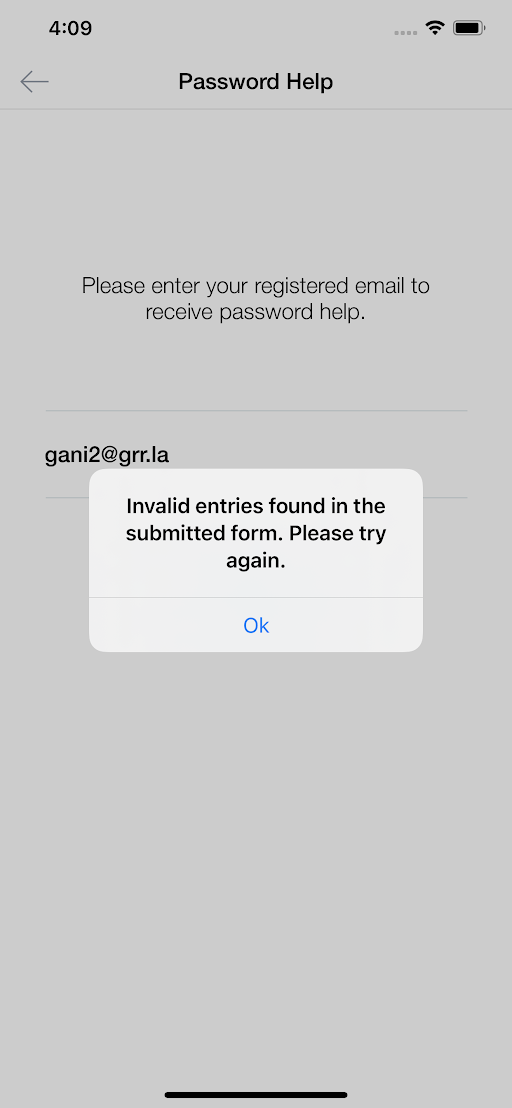1059",2.0,"[Hydra] [iOS] Forgot password flow is not working - **Steps:**10601. Install iOS mobile10612. Click on Forgot Password10623. Enter valid email and submit10634. Observe the behaviour1064 1065**Actual:** Incorrect error message is displayed on entering valid email (Refer screenshot)1066 1067**Expected:** In the password help screen if the user enters the valid email id and clicks on the submit button then user should get a success message, user should be navigated to sign in screen and user should get a mail with a temporary password.1068 1069Note: Issue not observed in Android1070 10711072",1, forgot password flow is not working steps install ios mobile click on forgot password enter valid email and submit observe the behaviour actual incorrect error message is displayed on entering valid email refer screenshot expected in the password help screen if the user enters the valid email id and clicks on the submit button then user should get a success message user should be navigated to sign in screen and user should get a mail with a temporary password note issue not observed in android ,1107312374,14896938455.0,IssuesEvent,2021-01-21 11:03:33,GoogleCloudPlatform/fda-mystudies,https://api.github.com/repos/GoogleCloudPlatform/fda-mystudies,closed,[iOS] Closed study > Incorrect error message 'Your session is expired' is shown on using old token,Bug P2 Process: Fixed Process: Tested dev iOS,"**Steps:**10741. PM admin adds an user to site A for a study10752. mobile app user enrolls into study successfully10763. WIthdraw from the study10774. PM admin adds the same user to site B for the same study10785. Enter old token of site A in eligibility screen10796. Observe the error message1080 1081**Actual:** Incorrect error message 'Your session is expired' is shown on using old token1082 1083**Expected:** 'Token already in use' should be displayed1084 1085**Screenshots:**1086 1087iOS:1088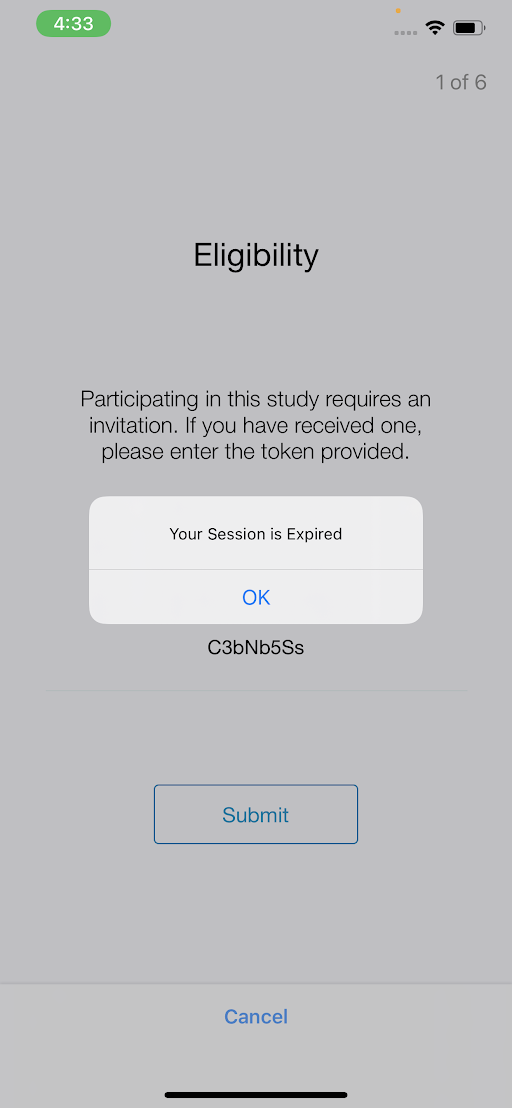1089 1090Android for reference:1091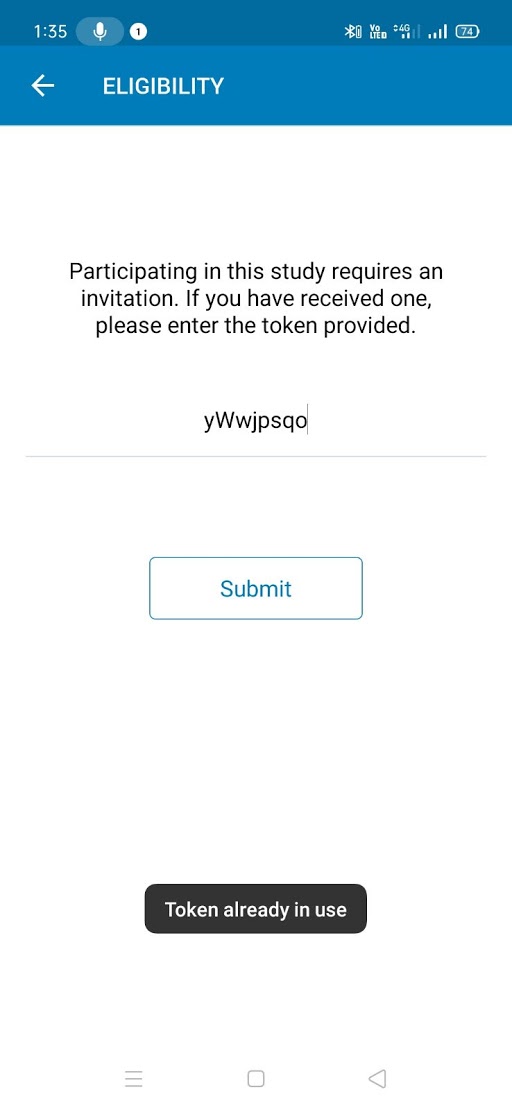1092",2.0,"[iOS] Closed study > Incorrect error message 'Your session is expired' is shown on using old token - **Steps:**10931. PM admin adds an user to site A for a study10942. mobile app user enrolls into study successfully10953. WIthdraw from the study10964. PM admin adds the same user to site B for the same study10975. Enter old token of site A in eligibility screen10986. Observe the error message1099 1100**Actual:** Incorrect error message 'Your session is expired' is shown on using old token1101 1102**Expected:** 'Token already in use' should be displayed1103 1104**Screenshots:**1105 1106iOS:11071108 1109Android for reference:11101111",1, closed study incorrect error message your session is expired is shown on using old token steps pm admin adds an user to site a for a study mobile app user enrolls into study successfully withdraw from the study pm admin adds the same user to site b for the same study enter old token of site a in eligibility screen observe the error message actual incorrect error message your session is expired is shown on using old token expected token already in use should be displayed screenshots ios android for reference ,1111211886,14680972694.0,IssuesEvent,2020-12-31 11:46:06,GoogleCloudPlatform/fda-mystudies,https://api.github.com/repos/GoogleCloudPlatform/fda-mystudies,closed,Fields should not be editable,Bug P1 Participant manager Process: Tested QA Process: Tested dev,"Fields should not be editable in the following11131. Edit user details page when user is deactivated11142. Edit Location details page when location is deactivated1115 1116",2.0,"Fields should not be editable - Fields should not be editable in the following11171. Edit user details page when user is deactivated11182. Edit Location details page when location is deactivated1119 1120",1,fields should not be editable fields should not be editable in the following edit user details page when user is deactivated edit location details page when location is deactivated ,1112112057,14739483748.0,IssuesEvent,2021-01-07 07:18:13,GoogleCloudPlatform/fda-mystudies,https://api.github.com/repos/GoogleCloudPlatform/fda-mystudies,closed,Mobile app > Password creation > Check password criteria after password is first entered,Android Bug P2 Process: Reopened Process: Track 3 iOS,"Mobile app > Password creation > Sign up, reset password, change password flows 1122 1123Check for the user-entered password meeting the criteria at the point the password is first entered rather than after it is confirmed in the 'Confirm password' field. ",2.0,"Mobile app > Password creation > Check password criteria after password is first entered - Mobile app > Password creation > Sign up, reset password, change password flows 1124 1125Check for the user-entered password meeting the criteria at the point the password is first entered rather than after it is confirmed in the 'Confirm password' field. ",1,mobile app password creation check password criteria after password is first entered mobile app password creation sign up reset password change password flows check for the user entered password meeting the criteria at the point the password is first entered rather than after it is confirmed in the confirm password field ,1112612333,14882568540.0,IssuesEvent,2021-01-20 12:05:33,GoogleCloudPlatform/fda-mystudies,https://api.github.com/repos/GoogleCloudPlatform/fda-mystudies,closed,[Android] Unable to submit location based questionnaires ,Android Bug P1 Process: Tested dev,Unable to submit the location based questionnaires in android,1.0,[Android] Unable to submit location based questionnaires - Unable to submit the location based questionnaires in android,1, unable to submit location based questionnaires unable to submit the location based questionnaires in android,1112718962,24924538849.0,IssuesEvent,2022-10-31 05:44:46,GoogleCloudPlatform/fda-mystudies,https://api.github.com/repos/GoogleCloudPlatform/fda-mystudies,reopened,[iOS] Text choice > Text choice with other option > Selected 'Other' option is not getting retained in the following scenario,Bug P1 iOS Process: Reopened Deferred,"**Steps:**11281. Sign up or sign in to the mobile app11292. Enroll to the study11303. Click on text choice question with other option11314. Select 'Other' option for text choice response type11325. Click on Cancel11336. Click on 'Save for later' 11347. Again Click on activity and observe1135 1136**AR:** Selected value is not getting retained1137**ER:** Selected value should get retained1138 1139**Note:** The issue should also be fixed in the below scenario1140 1141**Steps:**11421. Sign up or sign in to the mobile app11432. Enroll to the study11443. Click on text choice question with other option11454. Select the 'Other' option for text choice response type11465. Click on Next button11476. Click on the Back arrow and observe1148",1.0,"[iOS] Text choice > Text choice with other option > Selected 'Other' option is not getting retained in the following scenario - **Steps:**11491. Sign up or sign in to the mobile app11502. Enroll to the study11513. Click on text choice question with other option11524. Select 'Other' option for text choice response type11535. Click on Cancel11546. Click on 'Save for later' 11557. Again Click on activity and observe1156 1157**AR:** Selected value is not getting retained1158**ER:** Selected value should get retained1159 1160**Note:** The issue should also be fixed in the below scenario1161 1162**Steps:**11631. Sign up or sign in to the mobile app11642. Enroll to the study11653. Click on text choice question with other option11664. Select the 'Other' option for text choice response type11675. Click on Next button11686. Click on the Back arrow and observe1169",1, text choice text choice with other option selected other option is not getting retained in the following scenario steps sign up or sign in to the mobile app enroll to the study click on text choice question with other option select other option for text choice response type click on cancel click on save for later again click on activity and observe ar selected value is not getting retained er selected value should get retained note the issue should also be fixed in the below scenario steps sign up or sign in to the mobile app enroll to the study click on text choice question with other option select the other option for text choice response type click on next button click on the back arrow and observe ,1117019311,25466751008.0,IssuesEvent,2022-11-25 05:43:13,GoogleCloudPlatform/fda-mystudies,https://api.github.com/repos/GoogleCloudPlatform/fda-mystudies,closed,[IDP] [PM] UI Issue when user enters wrong password in the auth server,Bug P1 Process: Fixed Process: Tested QA Process: Tested dev Auth server,"UI Issue when user enters wrong password in the 'AUTH' server1171 1172**AR:**11731174 1175 1176**ER:**11771178",3.0,"[IDP] [PM] UI Issue when user enters wrong password in the auth server - UI Issue when user enters wrong password in the 'AUTH' server1179 1180**AR:**11811182 1183 1184**ER:**11851186",1, ui issue when user enters wrong password in the auth server ui issue when user enters wrong password in the auth server ar er ,1118712659,15031232256.0,IssuesEvent,2021-02-02 08:39:43,GoogleCloudPlatform/fda-mystudies,https://api.github.com/repos/GoogleCloudPlatform/fda-mystudies,closed,[Mobile Apps] Responses are not saving from mobile apps,Blocker Bug P0 Process: Fixed Process: Tested dev Response datastore,"Responses are not saving from mobile apps for any of the study activities1188 1189Issue observed in aut-deployment environment and not observed in Dev environment",2.0,"[Mobile Apps] Responses are not saving from mobile apps - Responses are not saving from mobile apps for any of the study activities1190 1191Issue observed in aut-deployment environment and not observed in Dev environment",1, responses are not saving from mobile apps responses are not saving from mobile apps for any of the study activities issue observed in aut deployment environment and not observed in dev environment,1119218691,24595157524.0,IssuesEvent,2022-10-14 07:40:36,GoogleCloudPlatform/fda-mystudies,https://api.github.com/repos/GoogleCloudPlatform/fda-mystudies,closed,[PM] Dashboard >Sites tab > Add location dropdown > Placeholder text should get displayed in the following scenario,Bug P2 Participant manager Process: Fixed Process: Tested dev,"Dashboard >Sites tab > Add location dropdown > Proper placeholder text should get displayed when no values are present in the 'Add location' dropdown1193 1194Placeholder text: 'No items are available to select' placeholder text should get displayed in the gray color1195 1196[Note: Issue should be fixed in the Add/edit admin > Study admin > 'Select app ID or name']1197 1198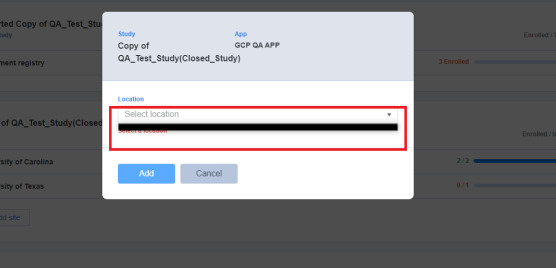1199",2.0,"[PM] Dashboard >Sites tab > Add location dropdown > Placeholder text should get displayed in the following scenario - Dashboard >Sites tab > Add location dropdown > Proper placeholder text should get displayed when no values are present in the 'Add location' dropdown1200